Linux Mint Debian Cinnamon
System requirements:
- x86 processor (LMDE 64-bit requires a 64-bit processor. LMDE 32-bit supports all x86 processors, non-PAE included).
- 1GB RAM
- 5 GB of disk space
- Graphics card capable of 800×600 resolution
- DVD drive or USB port
Download link
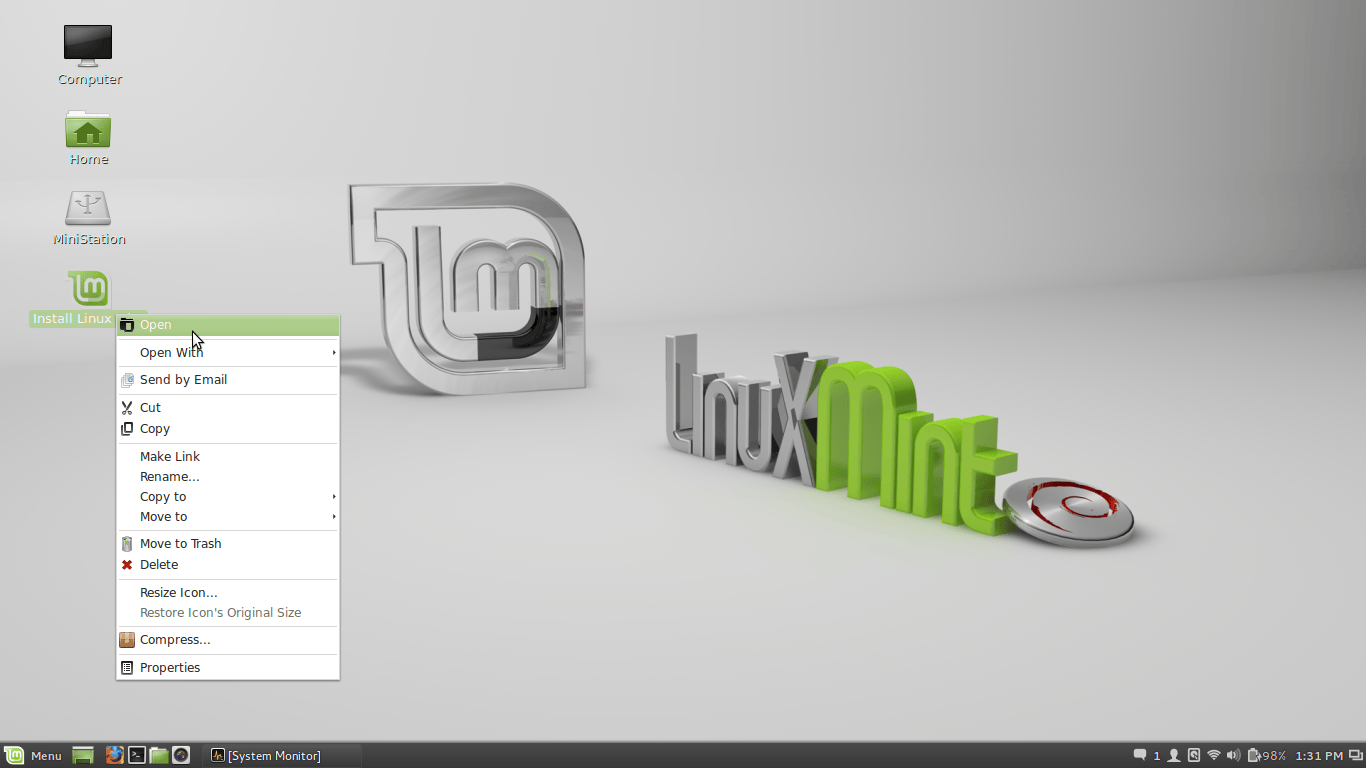
- Select your language
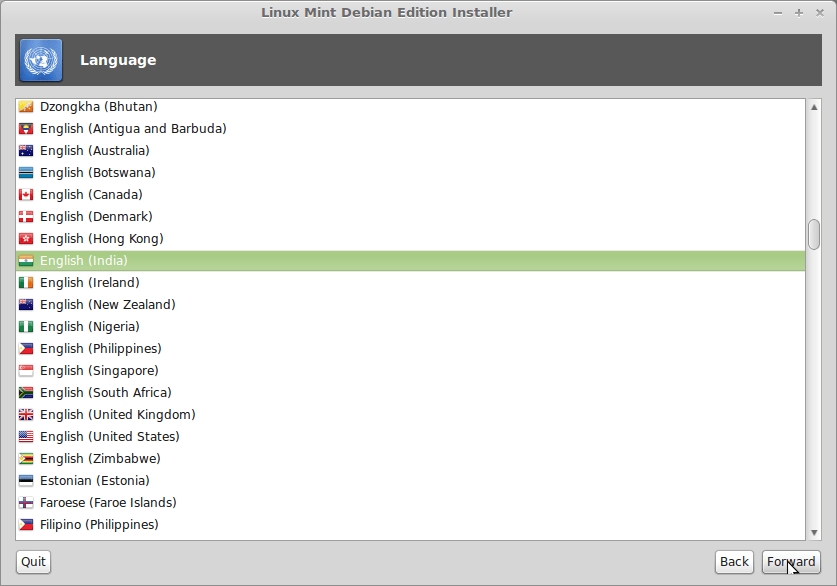
- Select your location
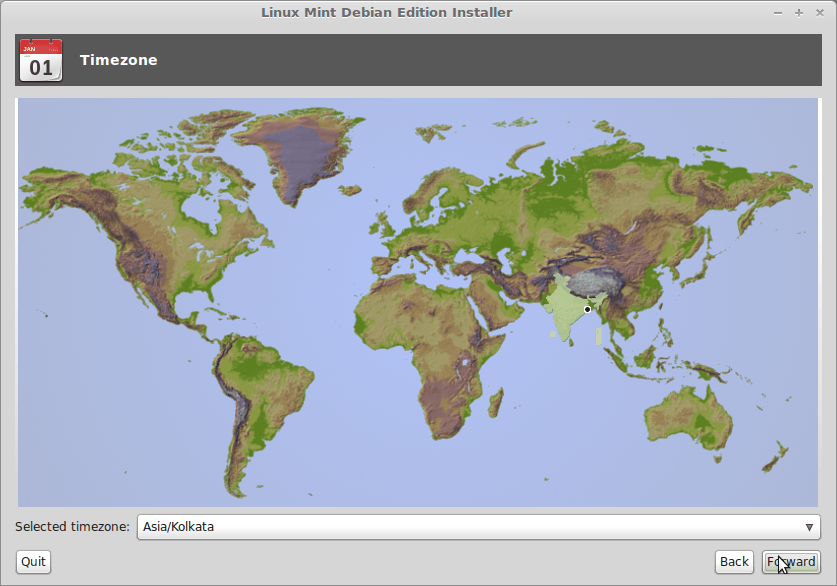
- Select keyboard layout
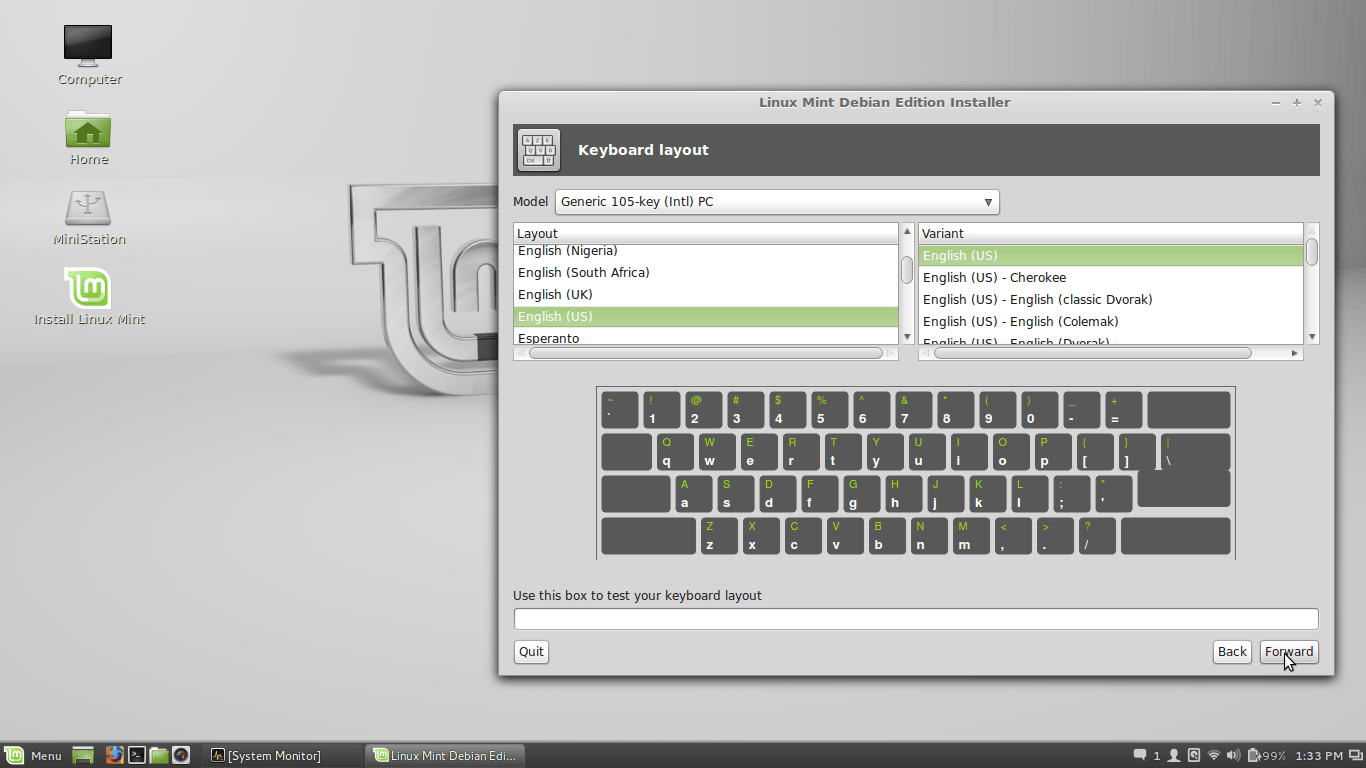
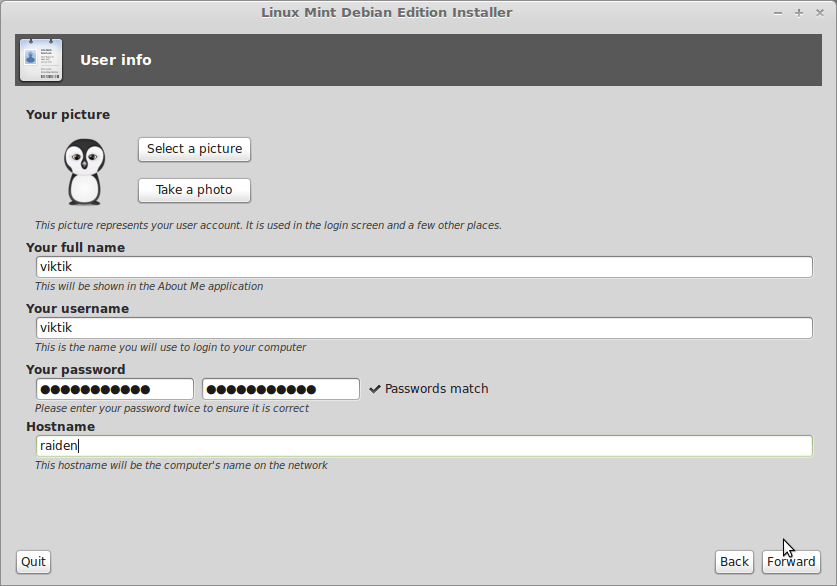
- Enter username and password
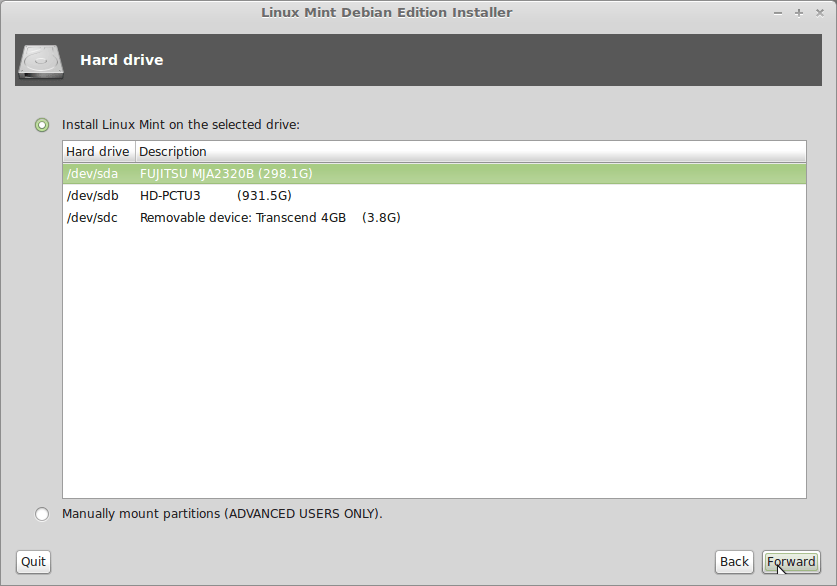
- Select the hard disk where you want to install Linux.
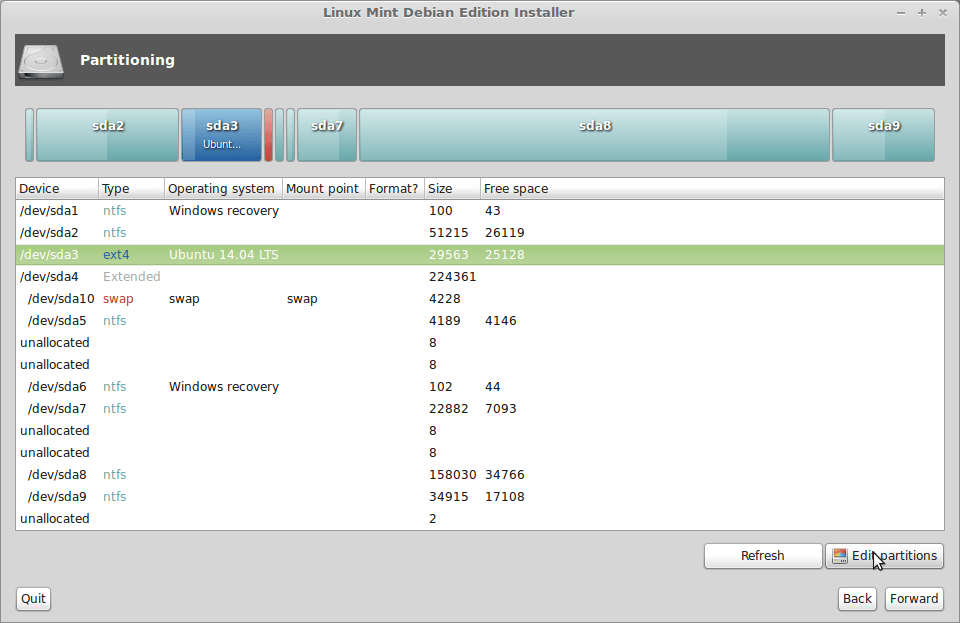
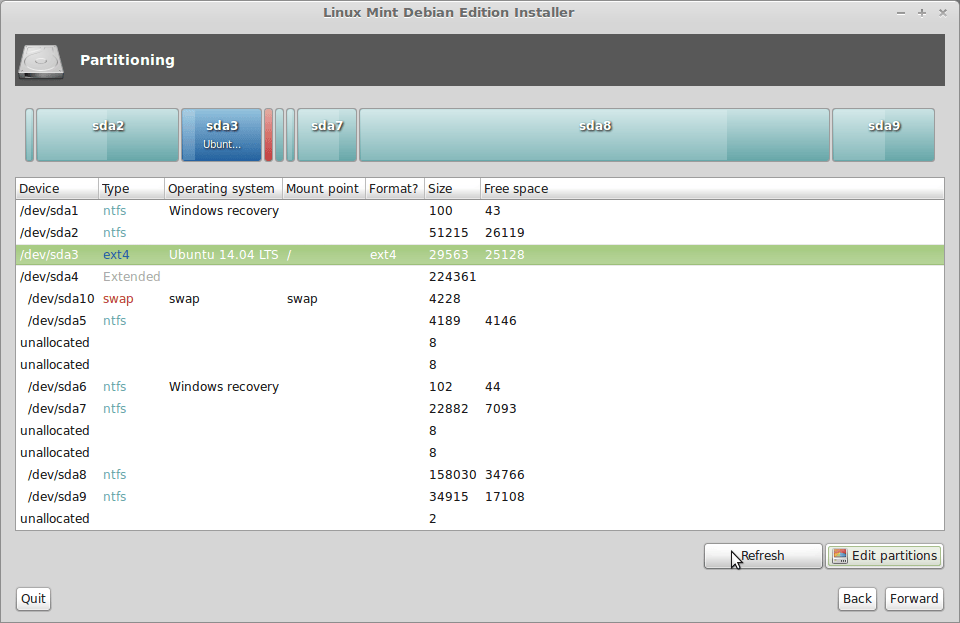
- You need to have a linux partition to install linux. I am using ext4 type partition.
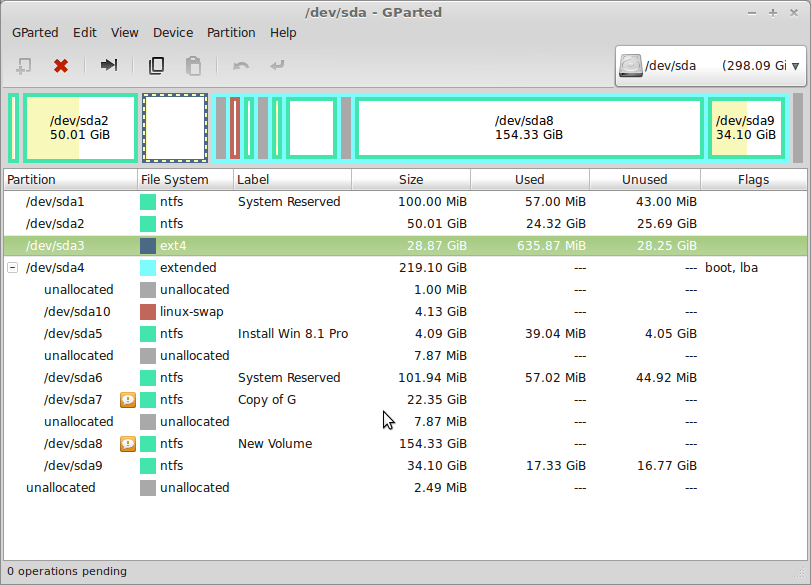
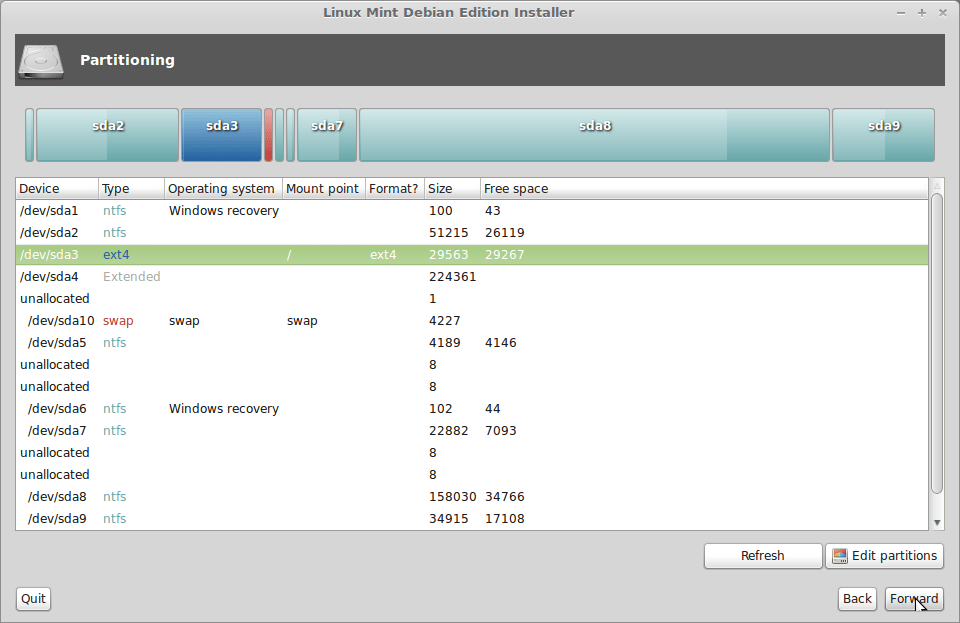
- As you can see below that /dev/sda3 is already a ext4 type partition and /dev/sda10 is a swap type partition.
- To install linux in dev/sda3 double click on it .
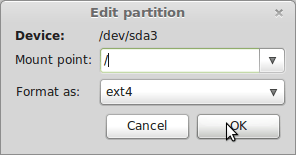
- Select Mount point ” / ‘
- Select format as “ext4”
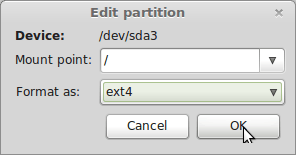
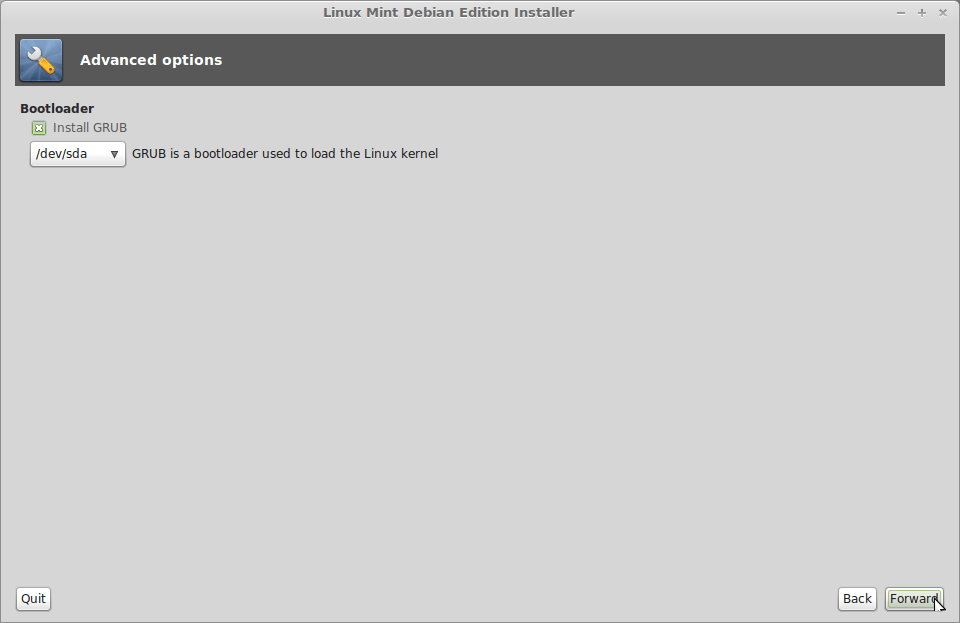
- Select the ext4 partition. Click “forward” to install.
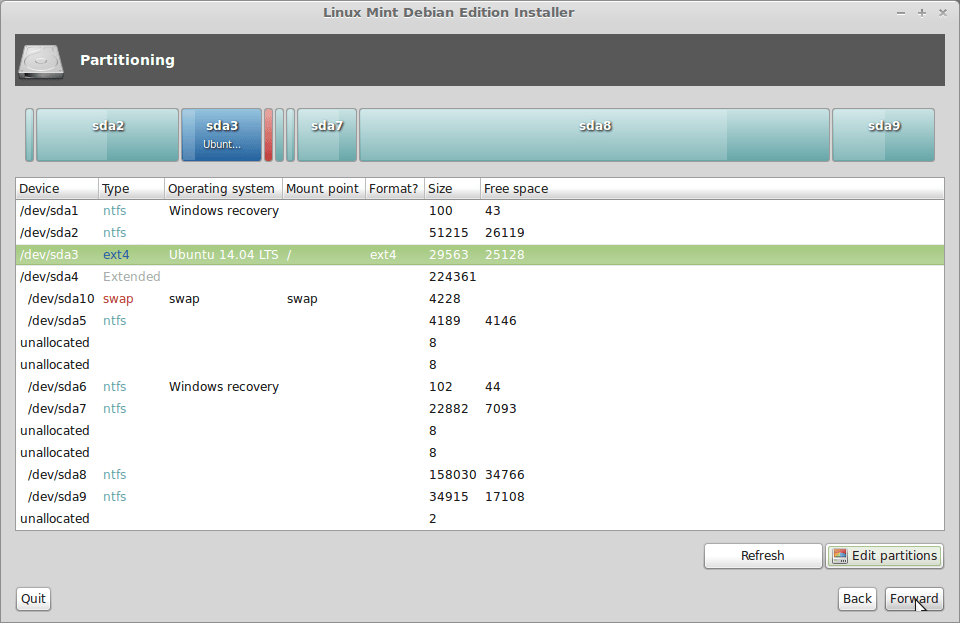
- If you do not have a partition in which Linux will be installed, then click “Edit partitions”.
- gParted window will open as shown below.
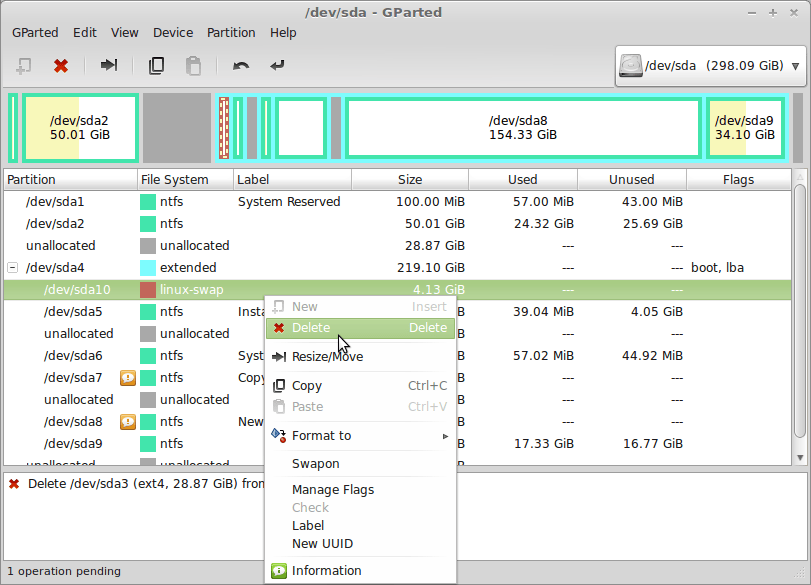
- Delete an existing partition
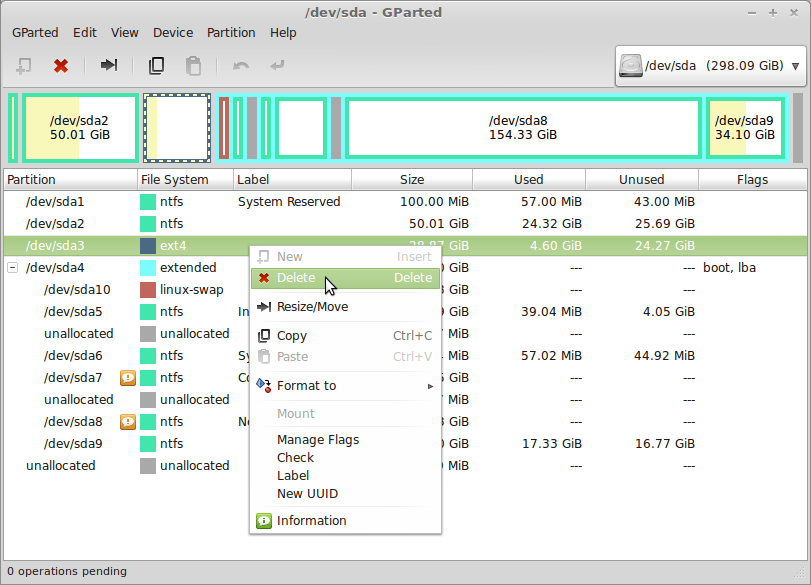
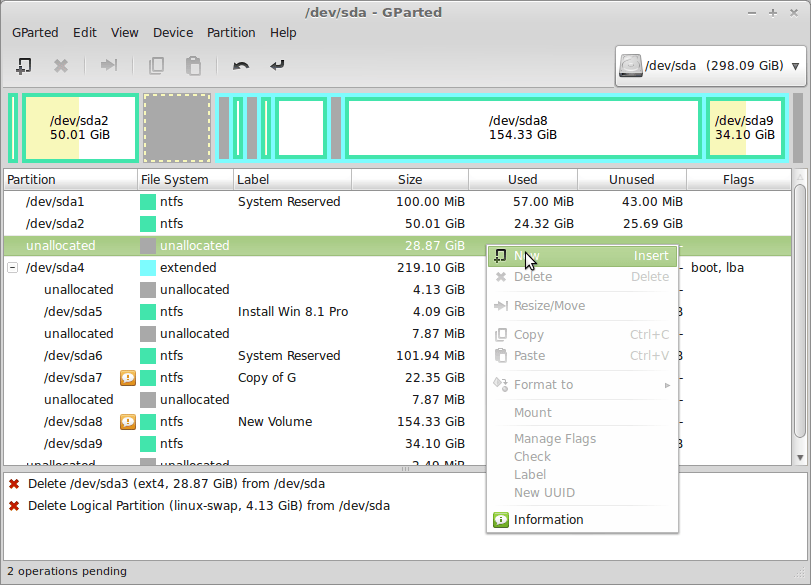
- /dev/sda3 installed. now i get 28.87 GiB unallocated space.
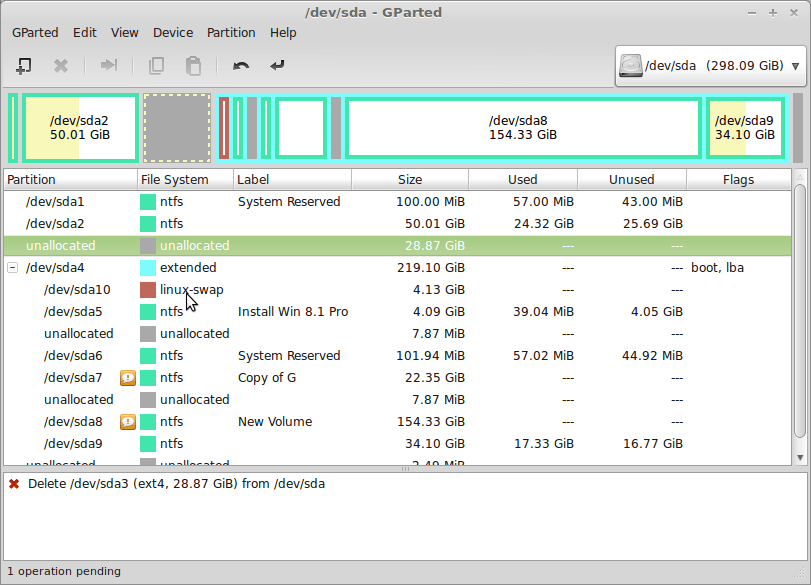
- I also delete /dev/sda10 partition just to demonstrate.
- Right click on unallocated space and select new.
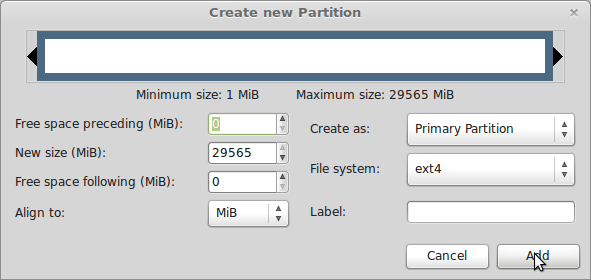
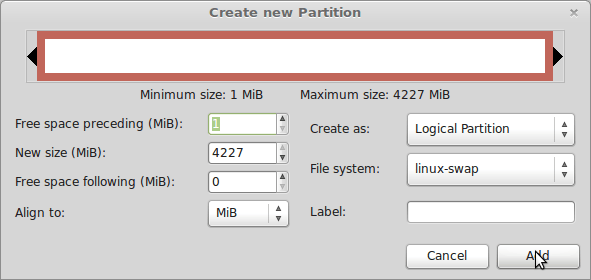
- Select as shown below. click “Add”
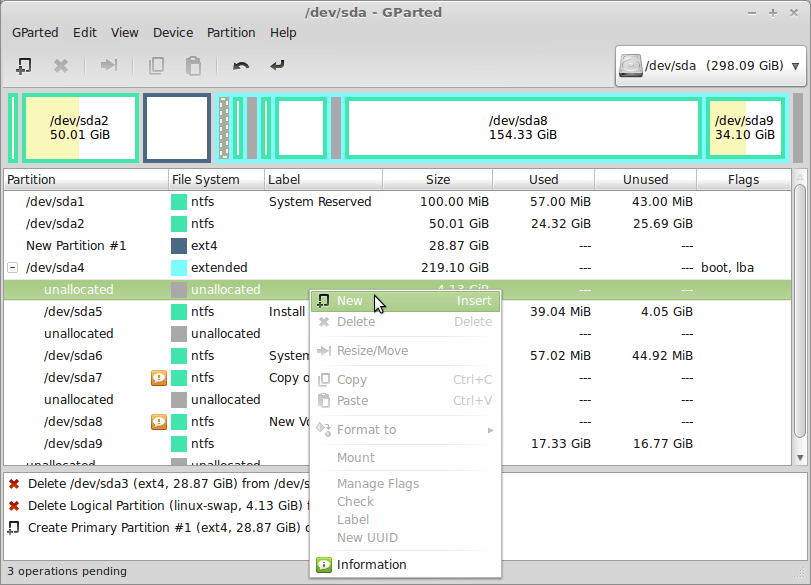
- Select another unallocated space.
- Right click and select “new”
- Select as shown below.
- click “Add”
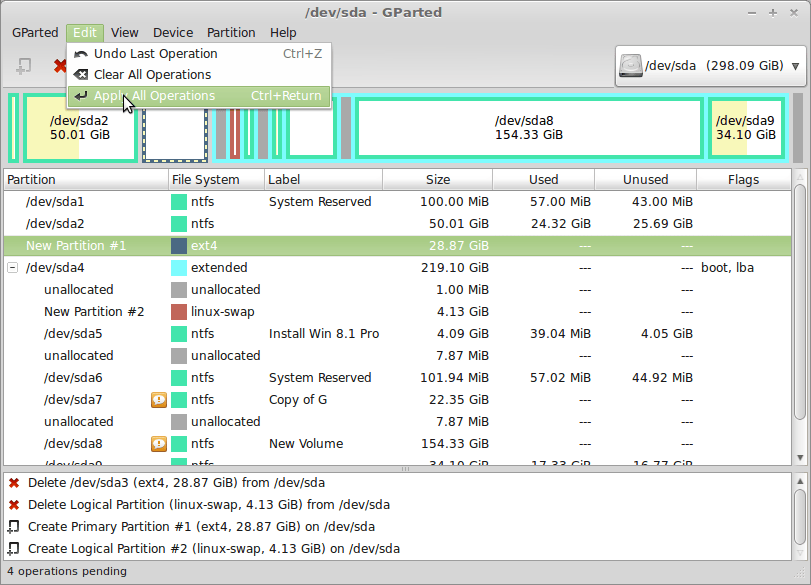
- Click “Apply All Operations” .
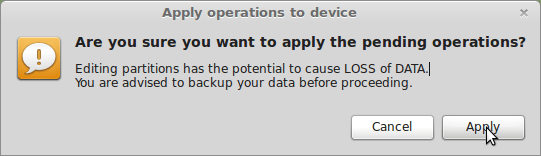
- Click “Apply”
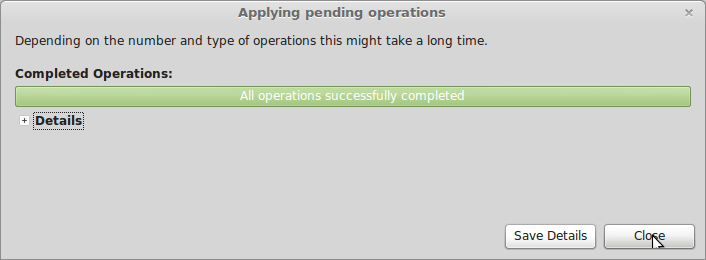
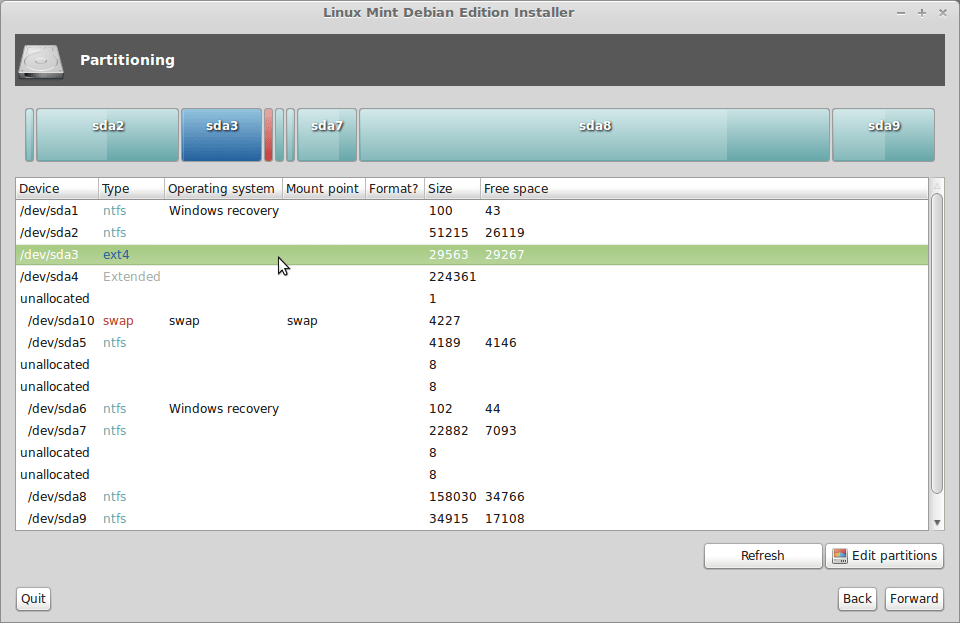
- ext4 and swap type partition created.
- Close “GParted”
- Click “refresh”
- Select ext4 type partition and double click.
- Select as shown below.
- Select ext4 type partition and click “forward”
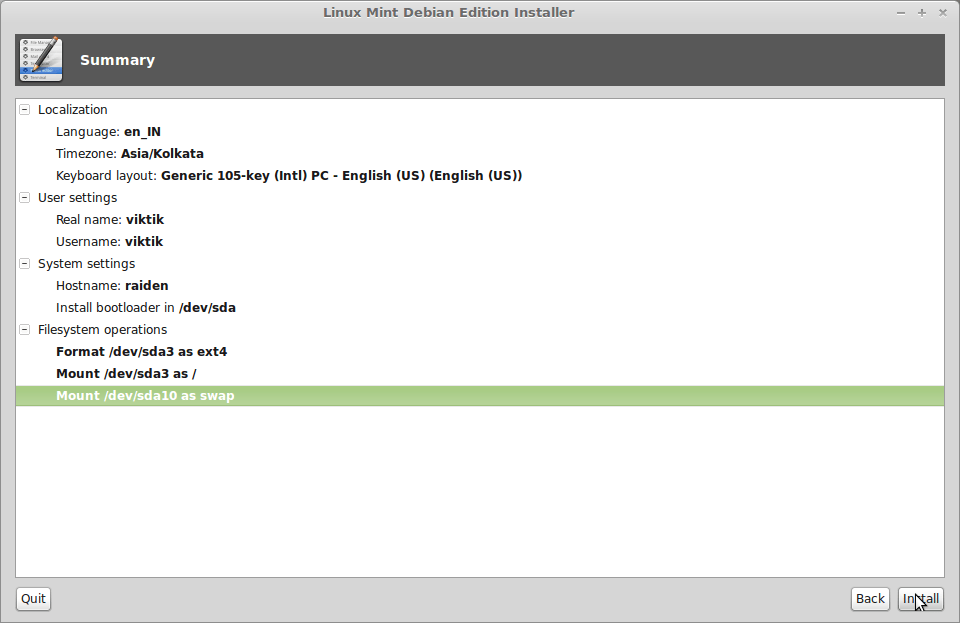
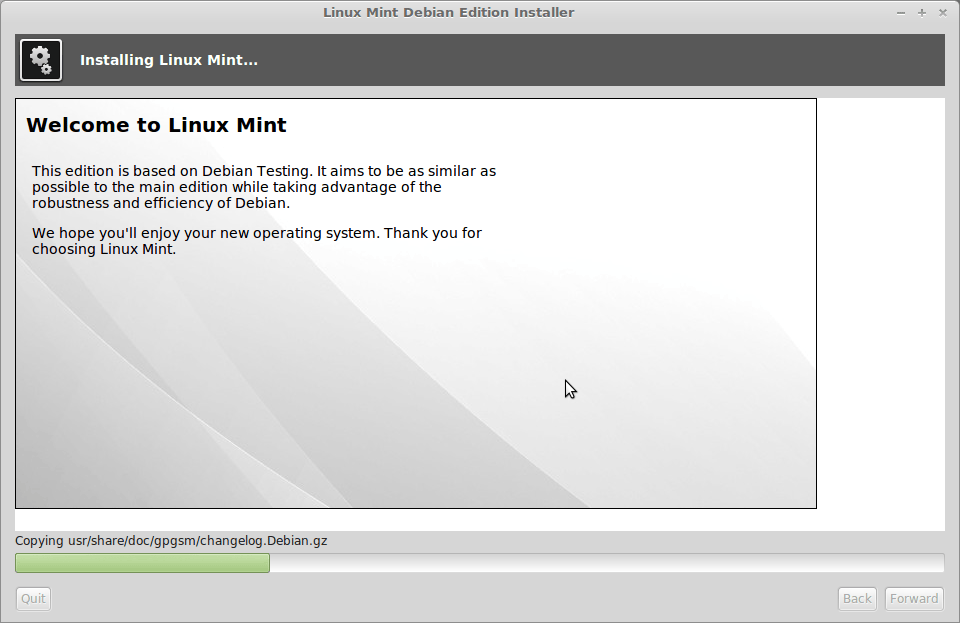
- wait few minutes for installation to complete.
- restart.
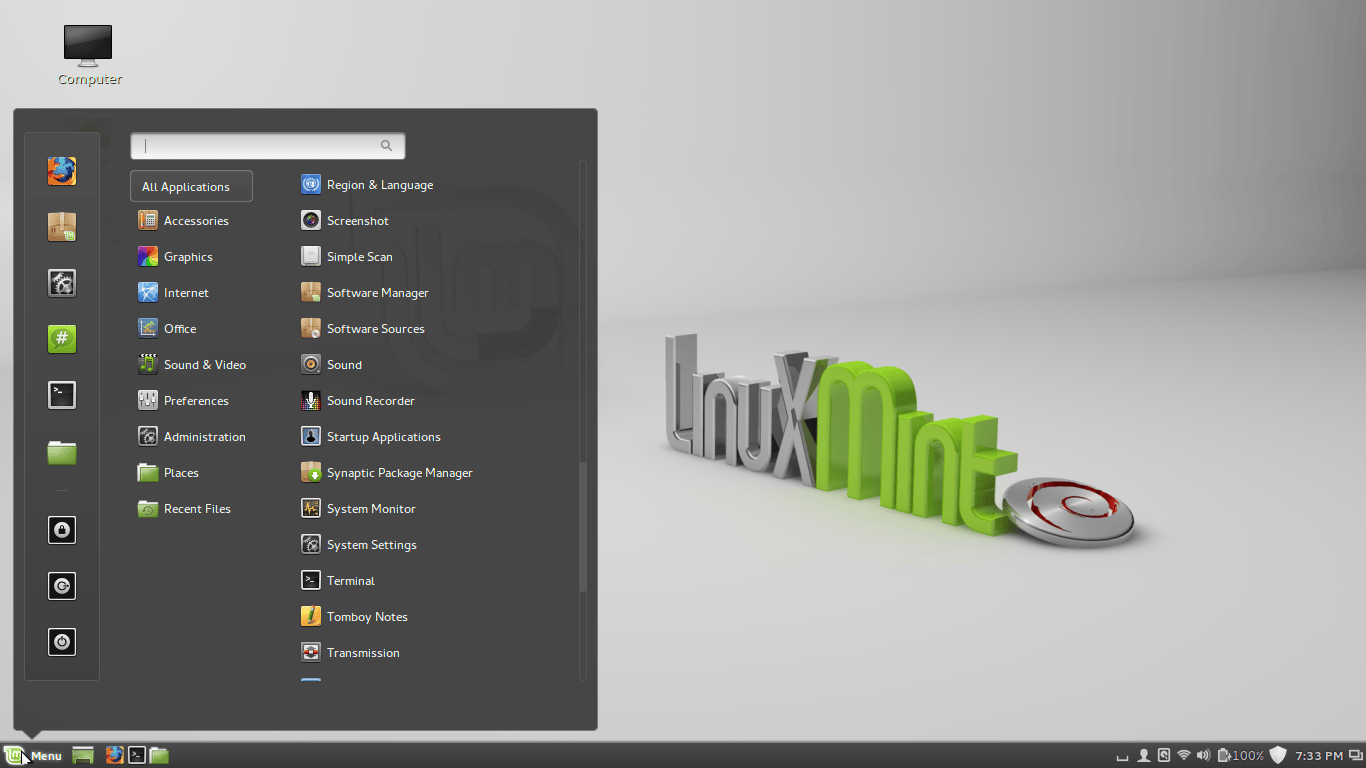
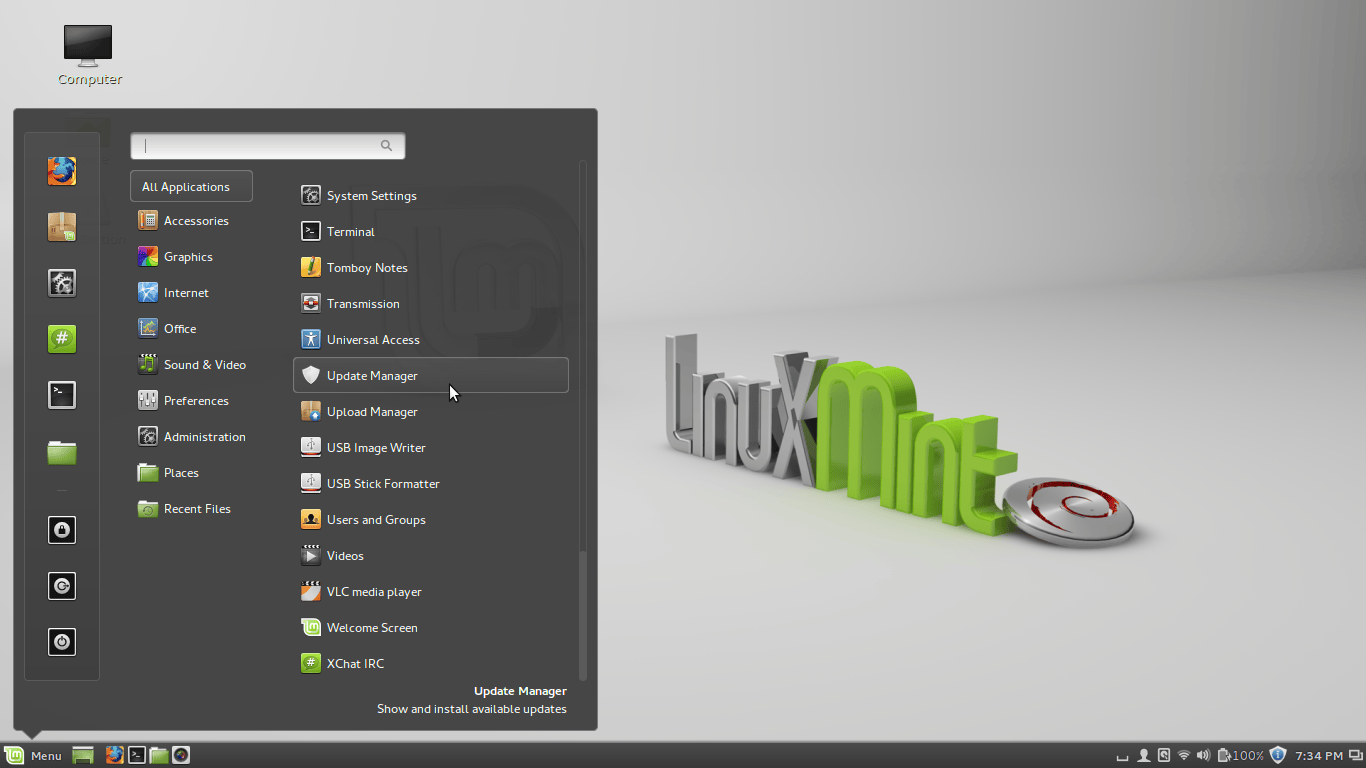
- Start “update manager”
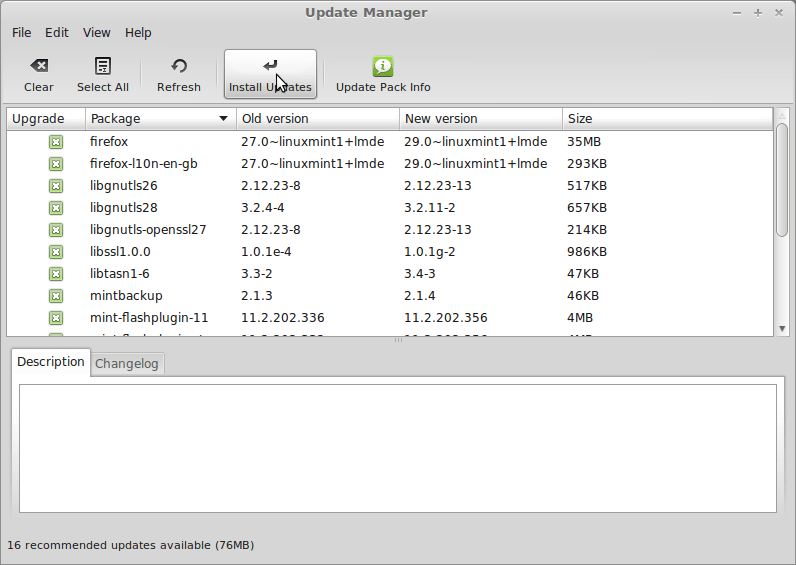
- Click “Install Updates”
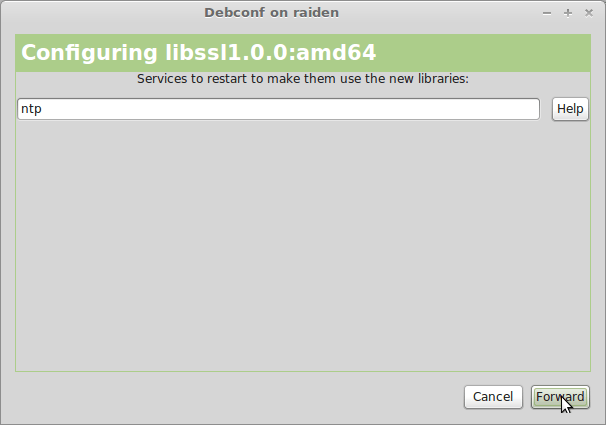
- When asked click “Forward”
- Linux mint settings
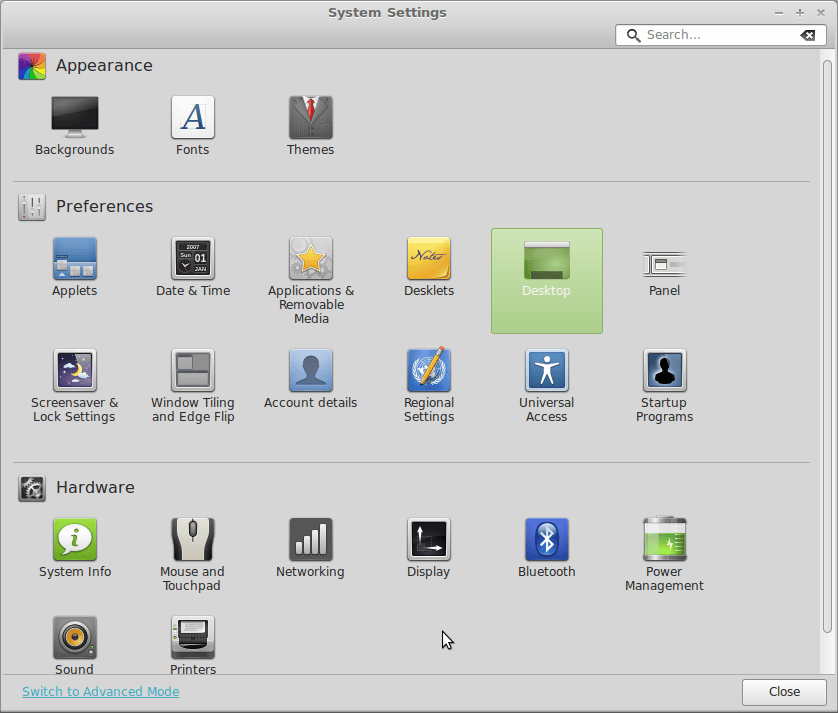
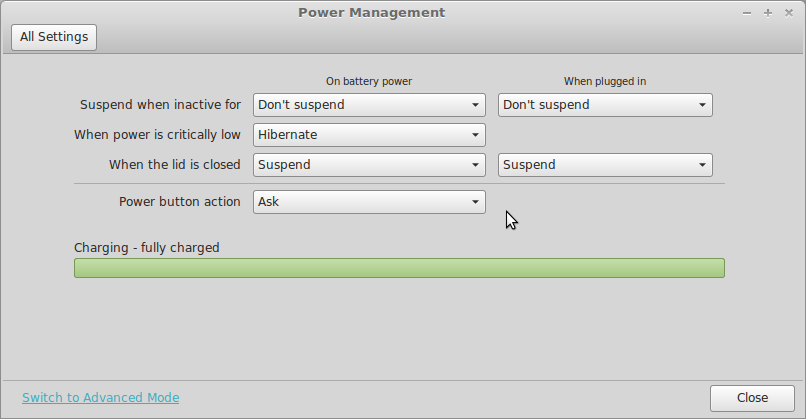
- power management settings.
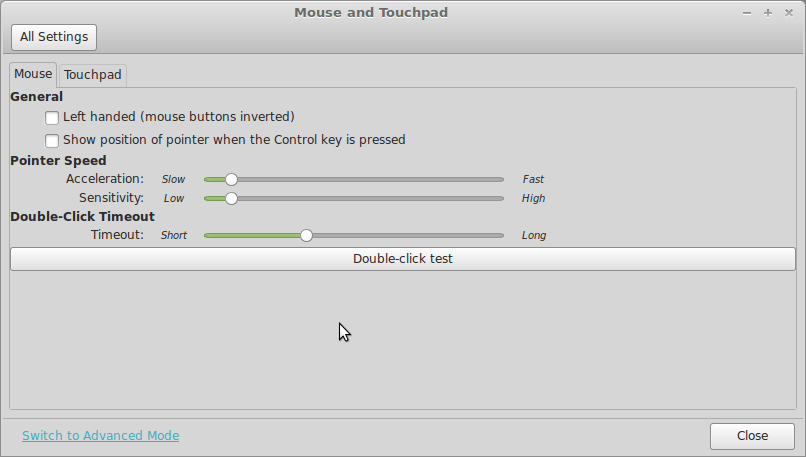
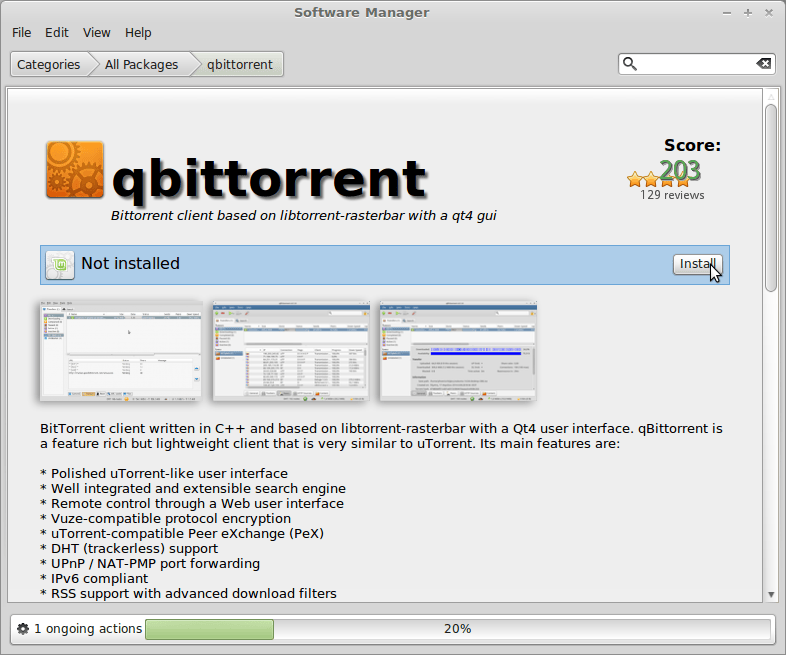
- install software from software manager.
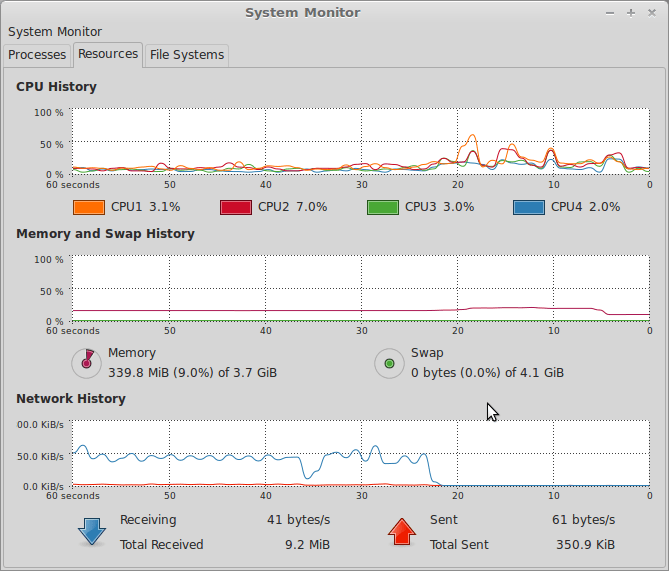
- system monitor