COMODO INTERNET SECURITY 7
Malware detection is good but not the best. So needs improvement.
Malicious website detection is weak.
Proactive protection is very good because of sandboxing.
- Viruscope – Viruscope monitors the activities of processes running on your computer and alerts you if they attempt to take suspicious actions. Apart from forming yet another layer of malware detection and prevention, the sub-system represents a valuable addition to the core process-monitoring functionality of the Behavior Blocker by introducing the ability to reverse potentially undesirable actions of software without necessarily blocking the software entirely. This provides more granular control over otherwise legitimate software which requires certain actions to be taken in order to run correctly. Viruscope works using a constantly expanded list of activity ‘recognizers’, which allow the software to detect, block and undo many potentially unwanted actions.
-
New Website Filtering – The new website filtering section gives CIS users a powerful and easy way to allow or block access to specific websites. Website access rules can be created for particular users of your computer, which makes this feature very useful for both home and work environments. For example, parents can block juvenile users from visiting inappropriate websites while companies can prevent employees from visiting leisure sites during working hours. You also have the option to create a log event whenever a user tries to visit a website which is in conflict with a rule. CIS ships with several preset lists (or ‘categories’) of URLs which can be added to rules that you create – including the ‘Malicious sites category’, the ‘Comodo Safe category’, the ‘Comodo Phishing category’ and the ‘Comodo Malware category’.
-
New UI Update
- The CIS user interface features several design and UX enhancements which allow you to accomplish tasks faster while keeping you better informed than ever before. New themes include the bold new ‘Metro’ theme.
- Process Activity Dialog is added.
- Added ‘Please call a live expert’ balloon message in main GUI when running into ‘At Risk’ status.
- Virtual Kiosk is renamed to Virtual Desktop
-
New Protected Data Folder – New data security feature which makes important files completely invisible to programs running in the sandbox. Files placed inside a ‘Protected Data Folder’ cannot be read, accessed or modified by any sandboxed application.
DOWNLOAD Comodo Internet Security 7
64 bit – http://www.filehorse.com/download-comodo-64/
32 bit – http://www.filehorse.com/download-comodo-32/
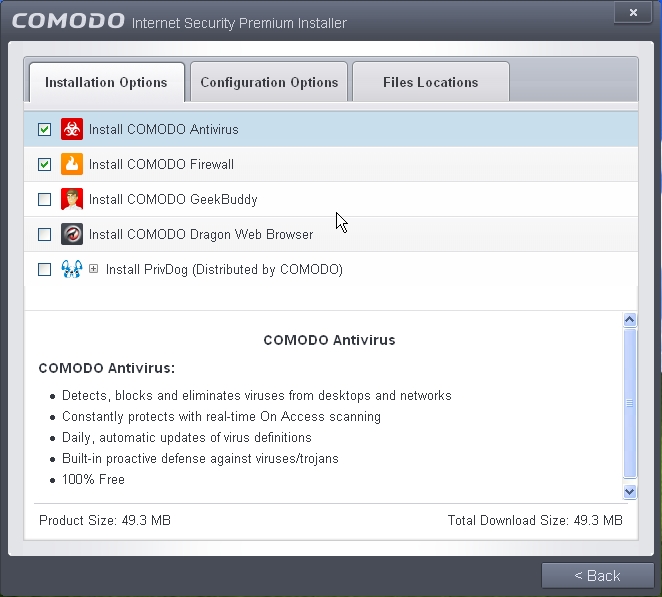
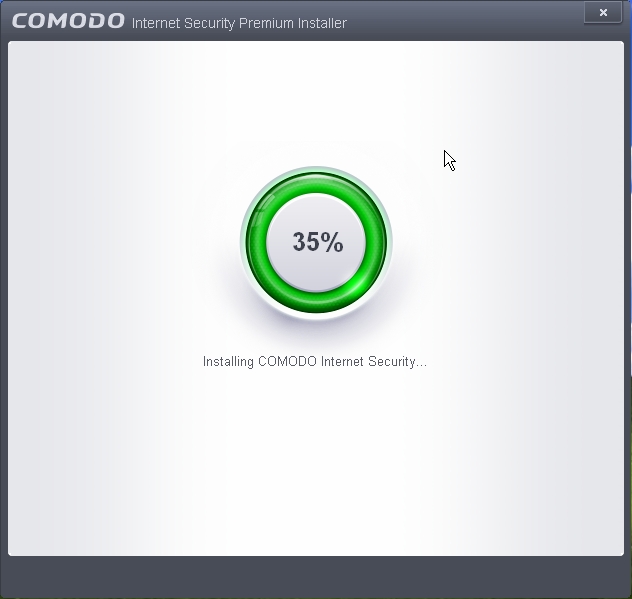
- Click “customize installation”

- Untick what you don’t want to install
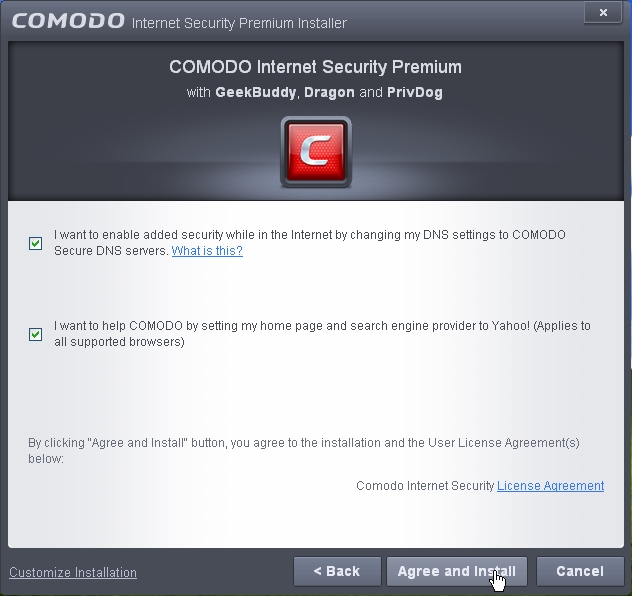
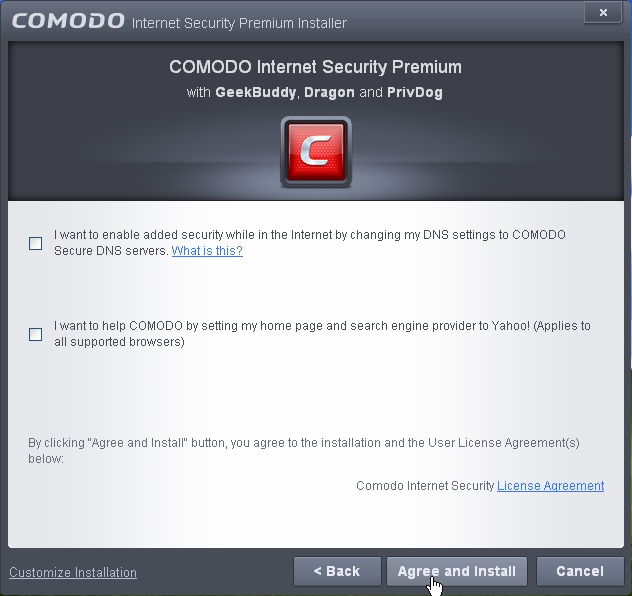
- Most of the people don’t need comodo dns or the changing of homepage
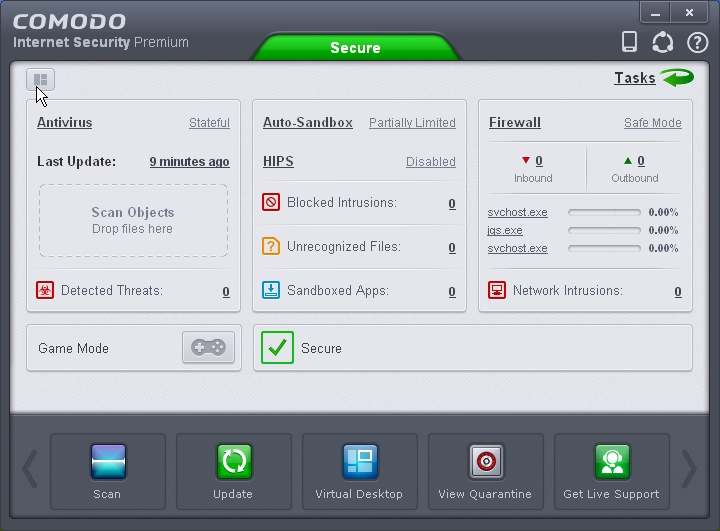
- The main interface of Comodo internet security 7

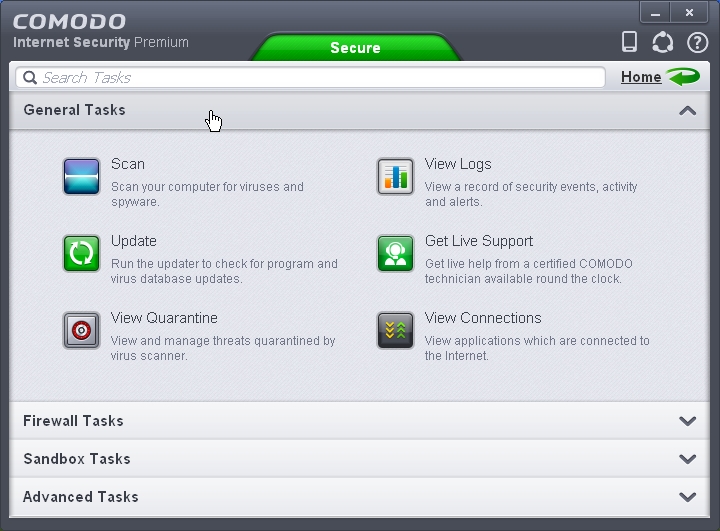
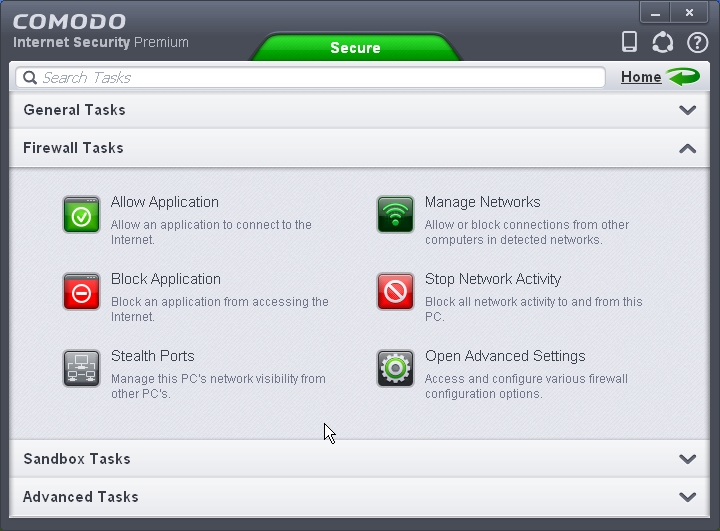
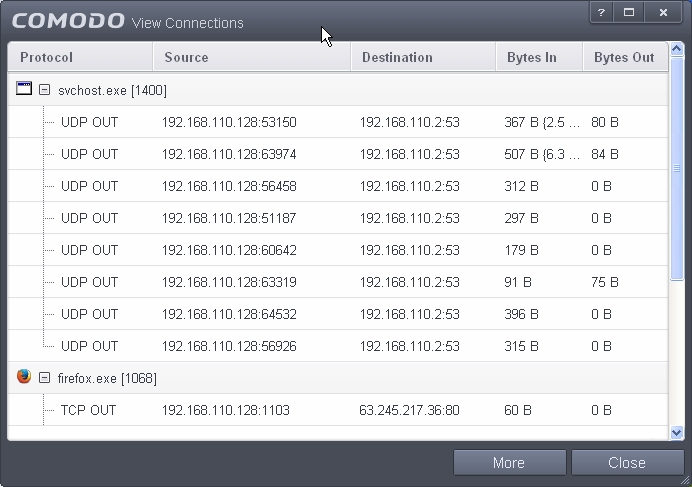
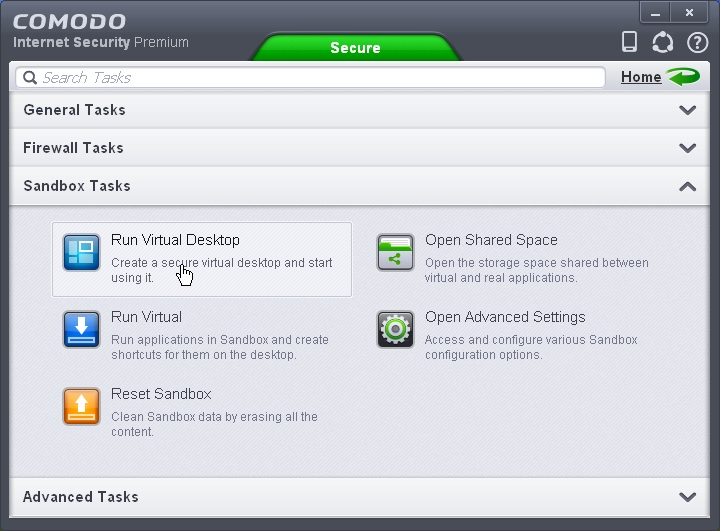
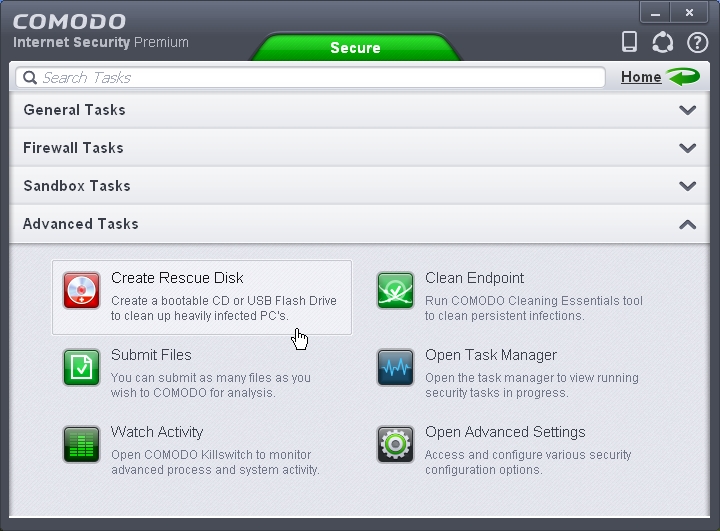
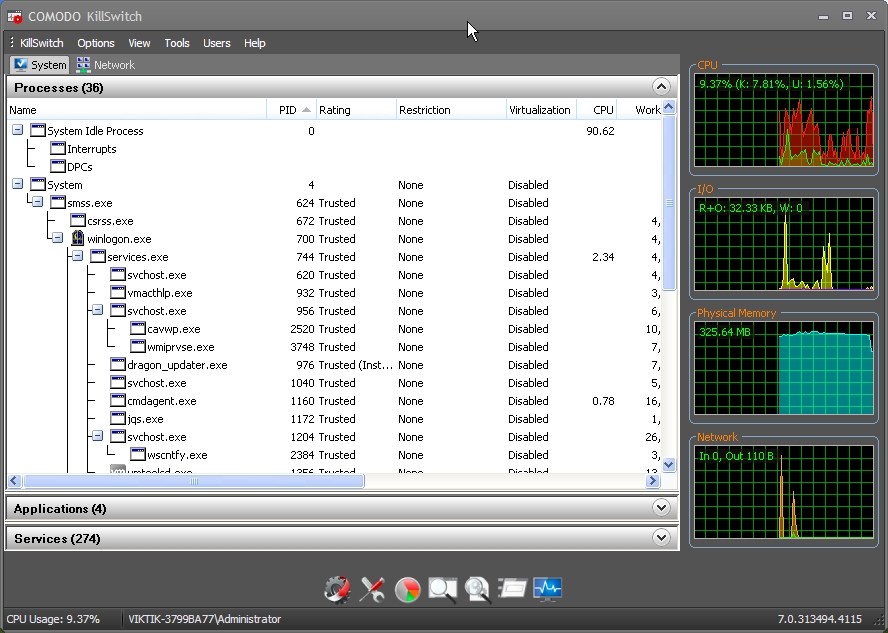
- Comodo killswitch
COMODO SETTINGS
- Use “Modern theme”
- Untick “Show message from COMODO message center”
- Untick “Show desktop widget”
- Untick “Play sound when an alert is shwon”


- You may set “Check for program updates every” to 10 days.
- you may set “Check for database updates every” to 12 hours


- Enable Anti-ARP to increase the protection


Comodo Internet Security with HIPS enabled
- By default HIPS are disabled.
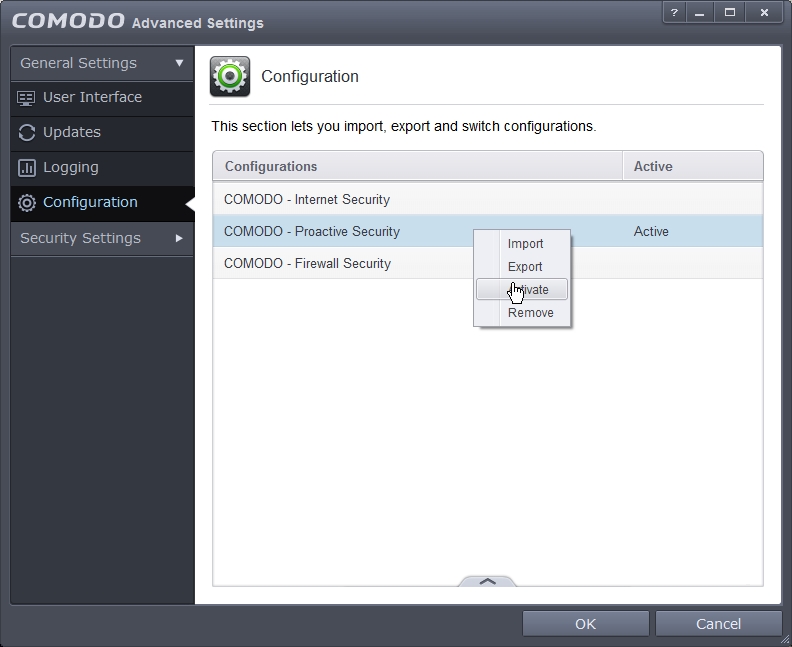
- If you want to increase the proactive security then goto configuartion.
- select “Comodo – proactive protection“. right click and select “Activate“.
- You may have to reboot.
- Enabling HIPS will generate more popup messages asking user what to do.