Linux Mint 16 Petra – MATE desktop environment is most responsive I have seen in Linux.
Linux mint is best of new Linux users because it already have some useful softwares installed and it is easy to install and use.
Download Linux Mint 16 MATE
Download the image file write it in DVD or use “Rufus” software to create a live USB Pendrive.
INSTALLATION
- Double Click “install linux Mint”
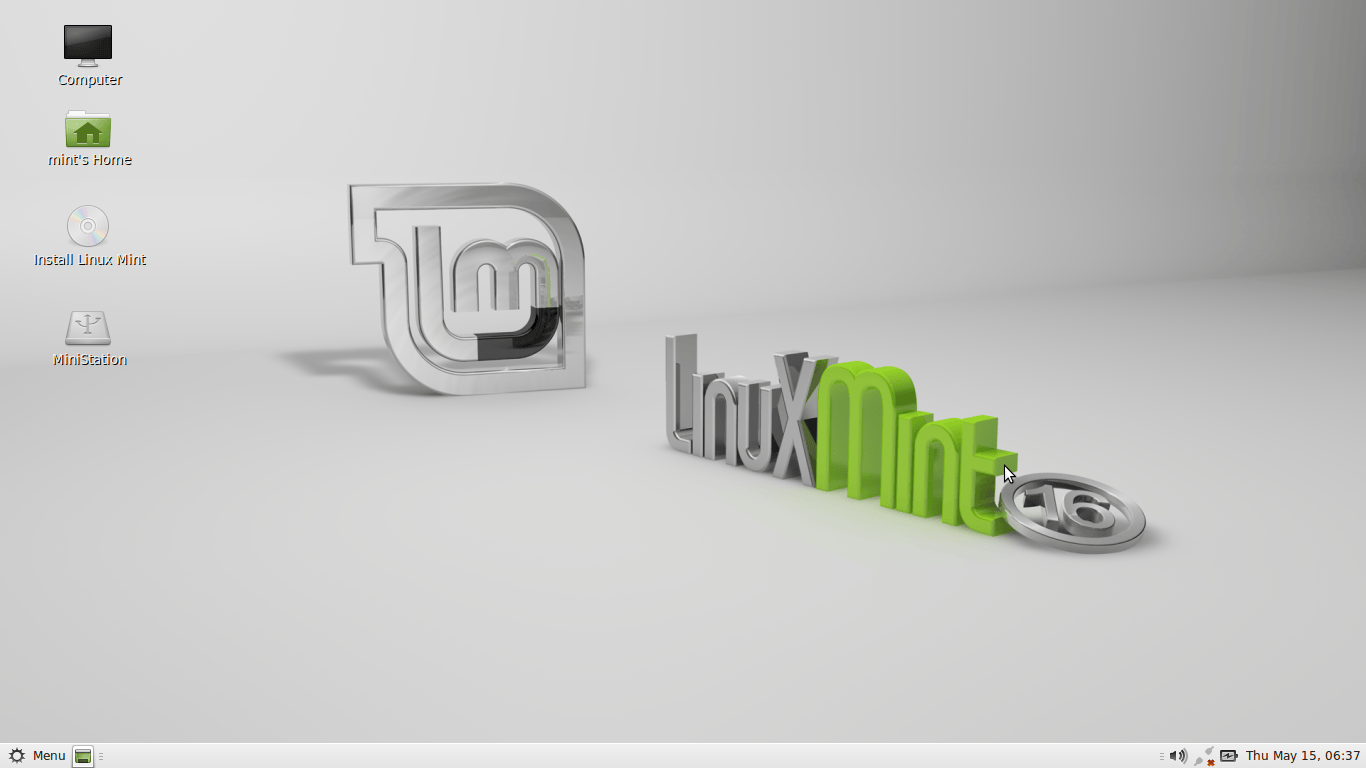
- Select language
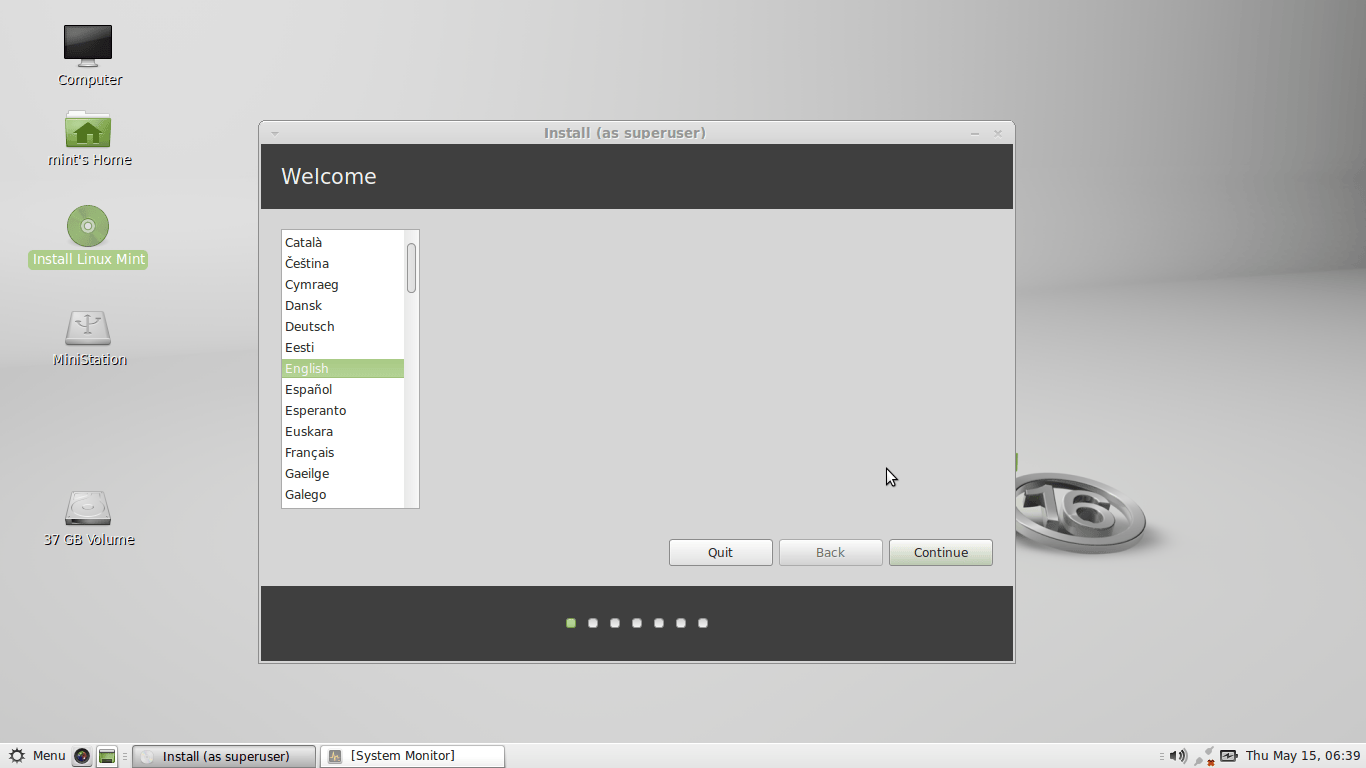
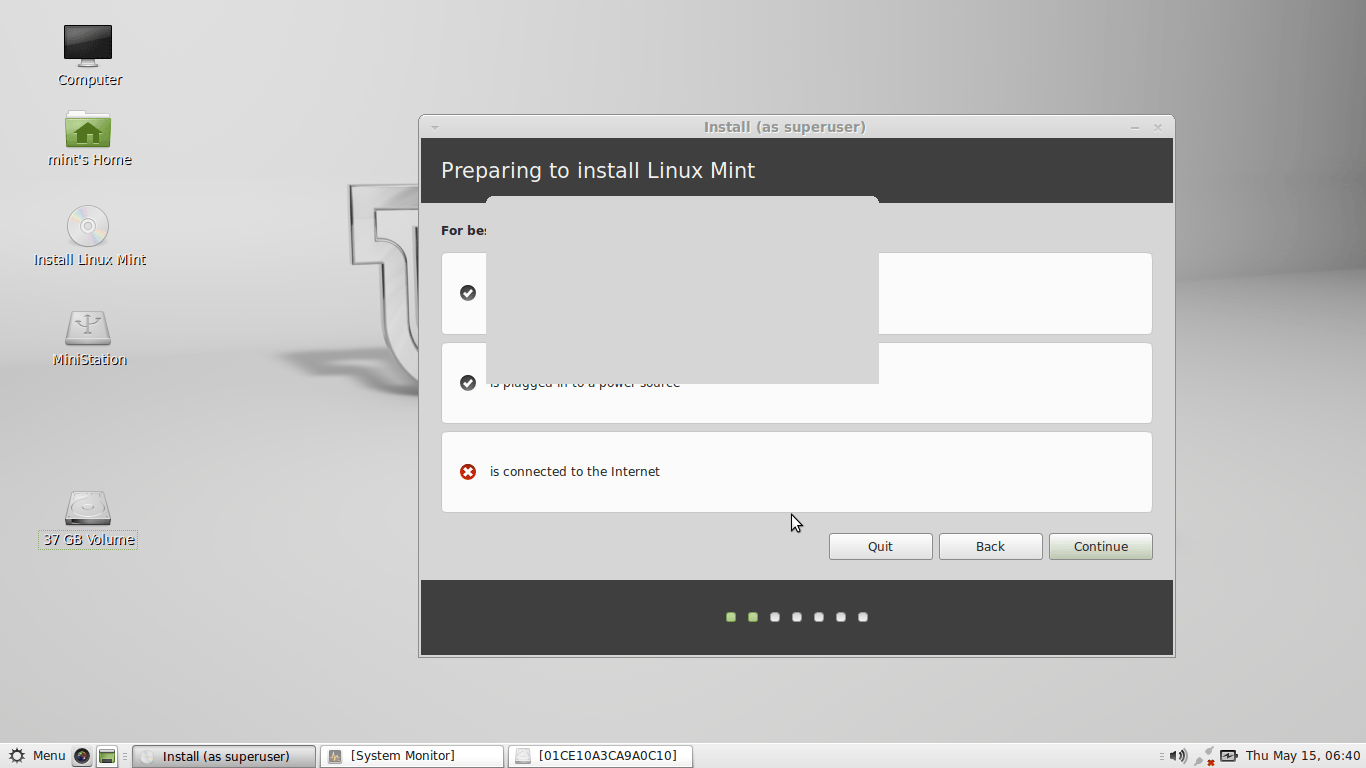
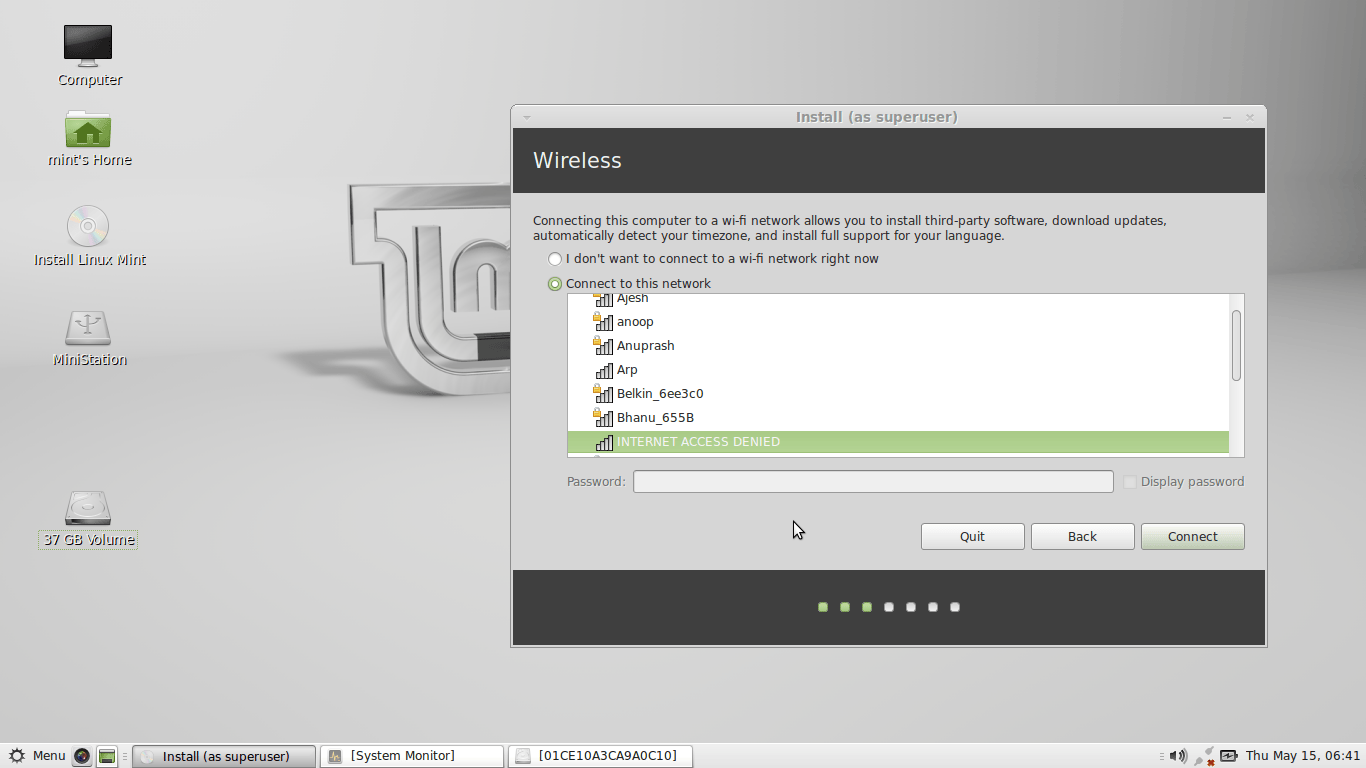
- Connect to internet if possible
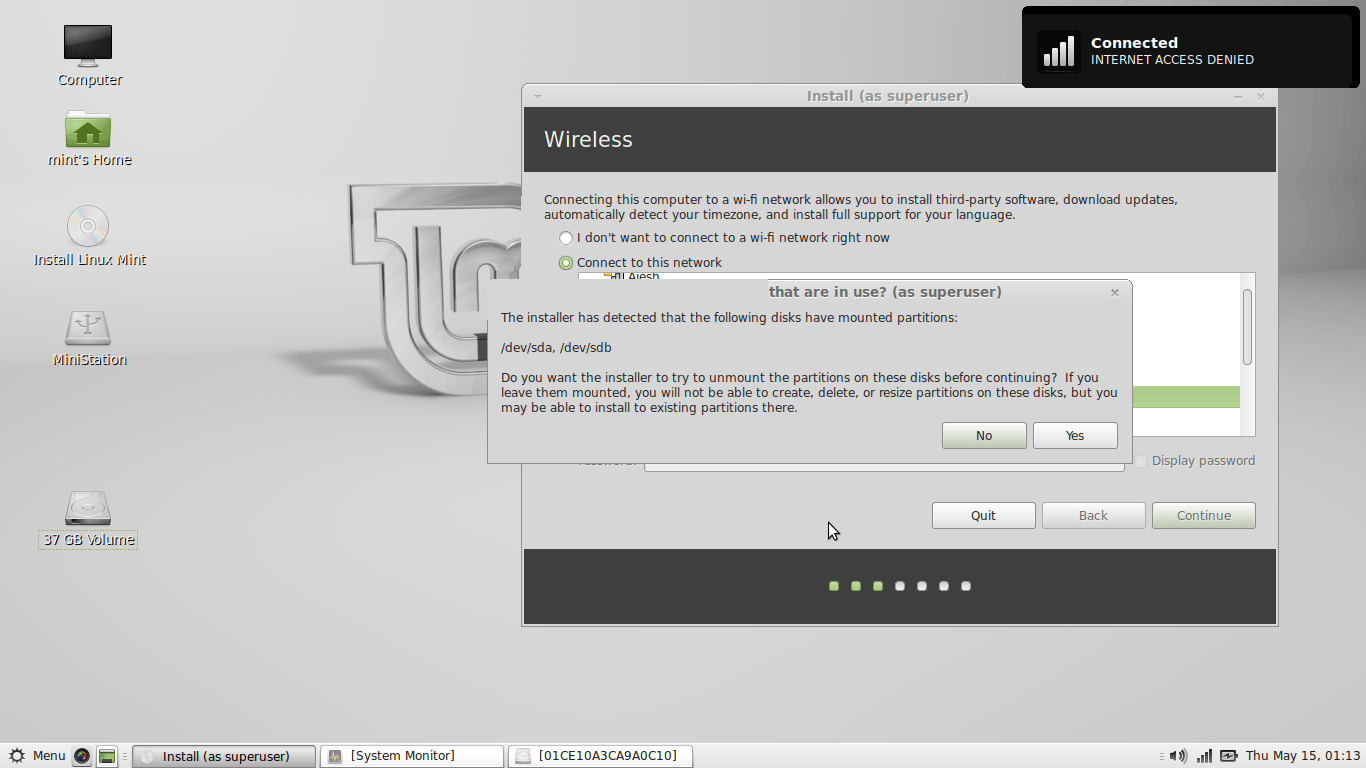
- Select “something else”
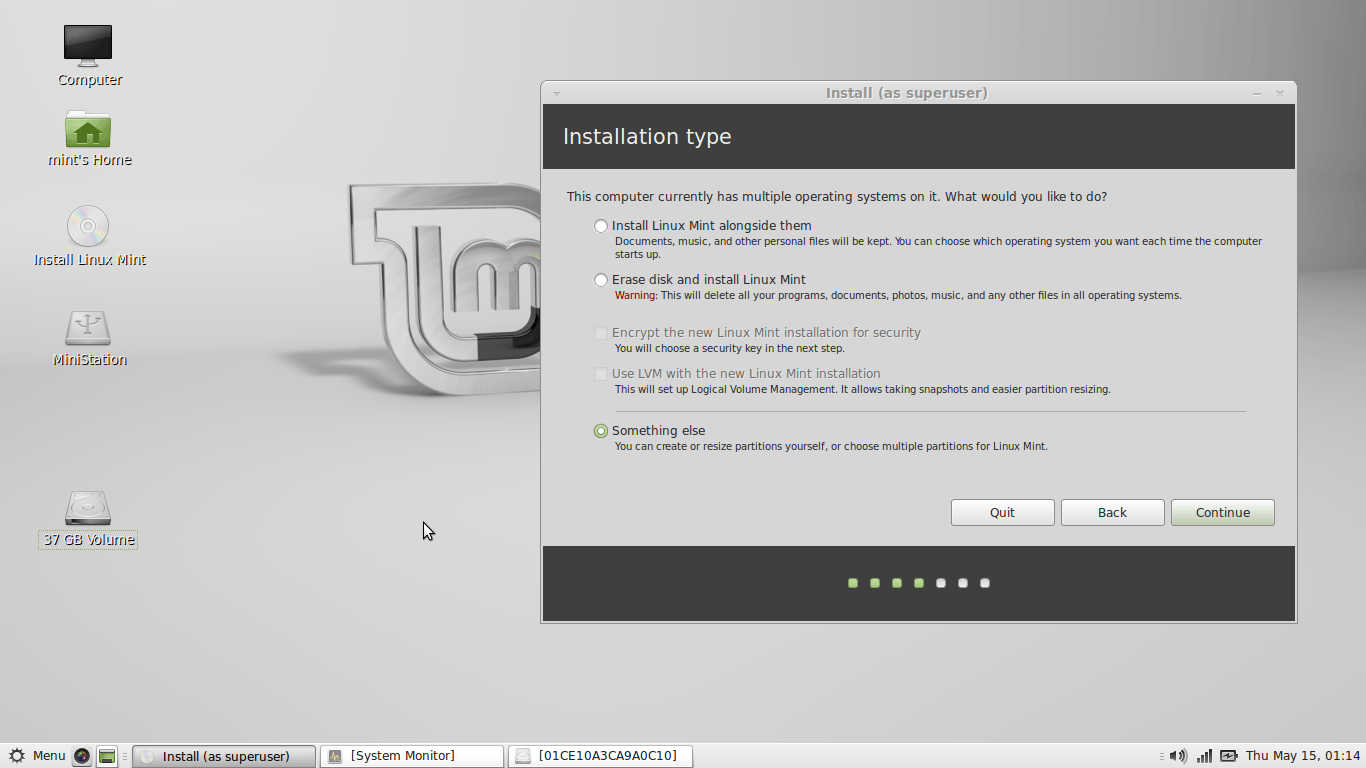
- Here you need to create a “ext4” partition in which linux will be installed.
- Below you can see that i have two ext4 partition namely /dev/sda5 and /dev/sda12
- I need one ext4 partition. So i deleted /dev/sda12 . to do so click “-“.
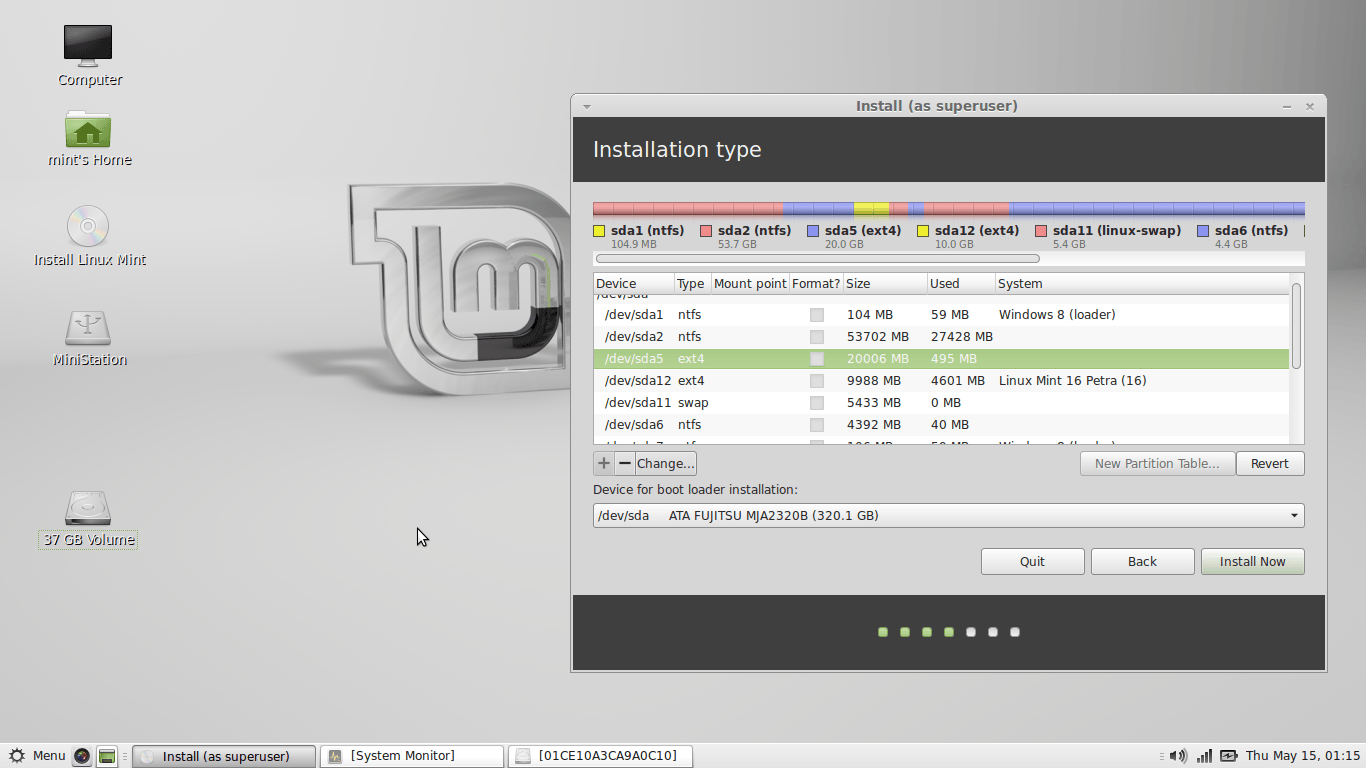
- Now i need to extend the size of /dev/sda5 partition from 20000MB to 29999MB . to do so click “+”.
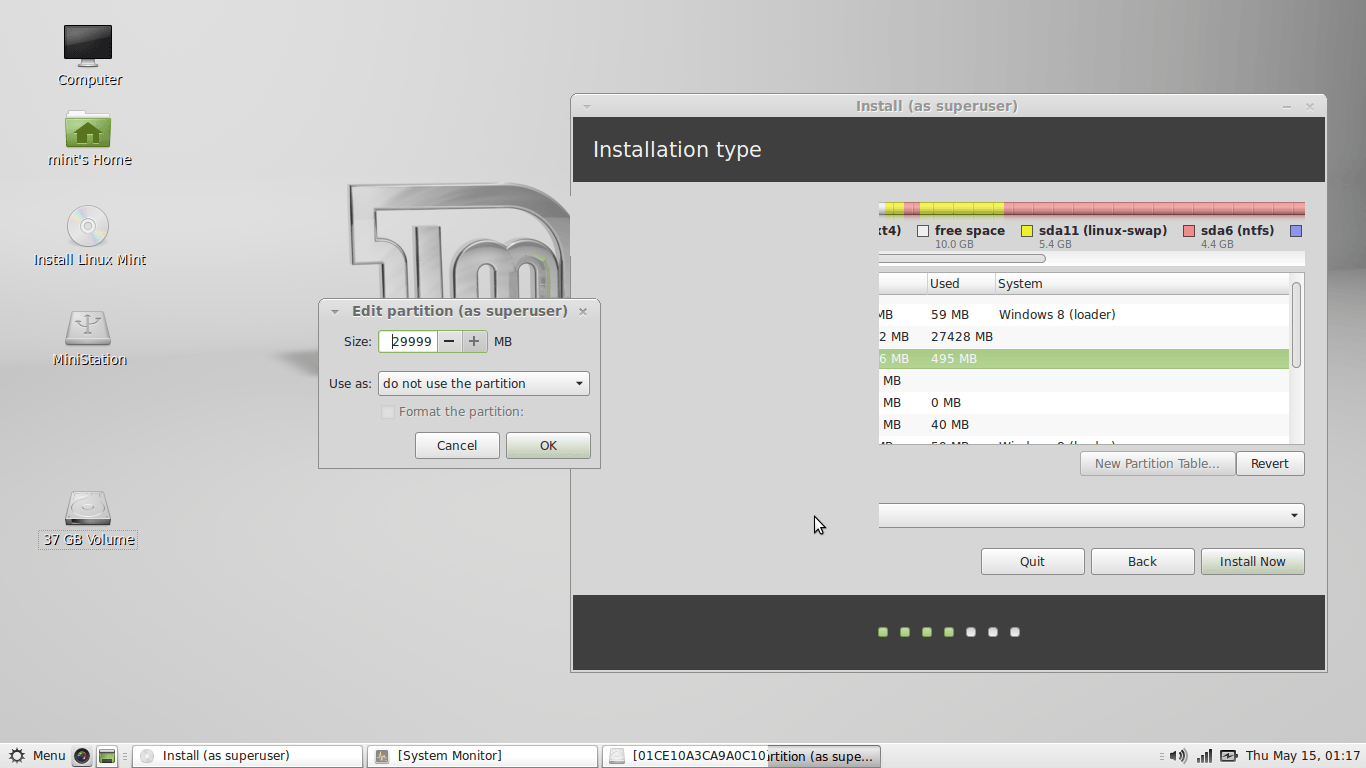
- In “use as ” select ” Ext4 journal “.
- Tick “format the partition”
- Select Mount point as “/”.
- You may create a swap partition. I already have a swap partition.
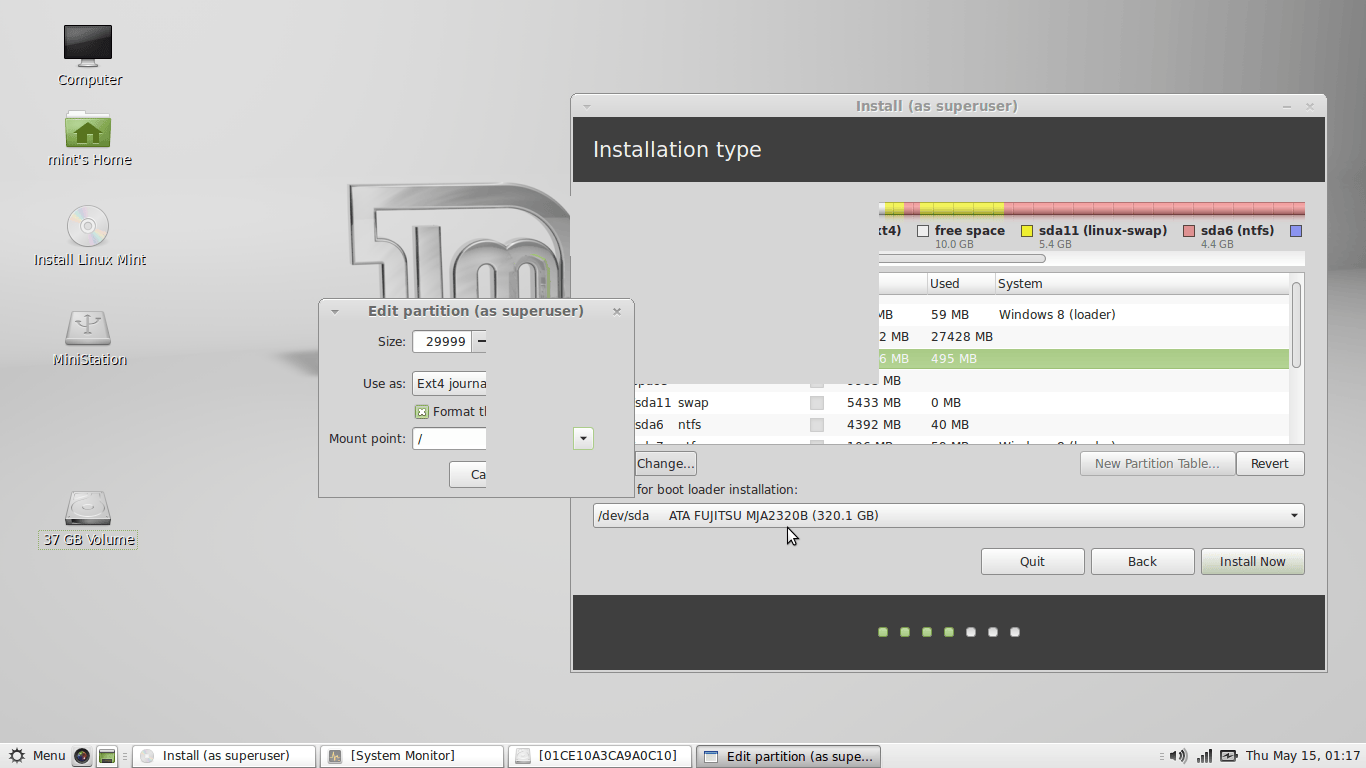
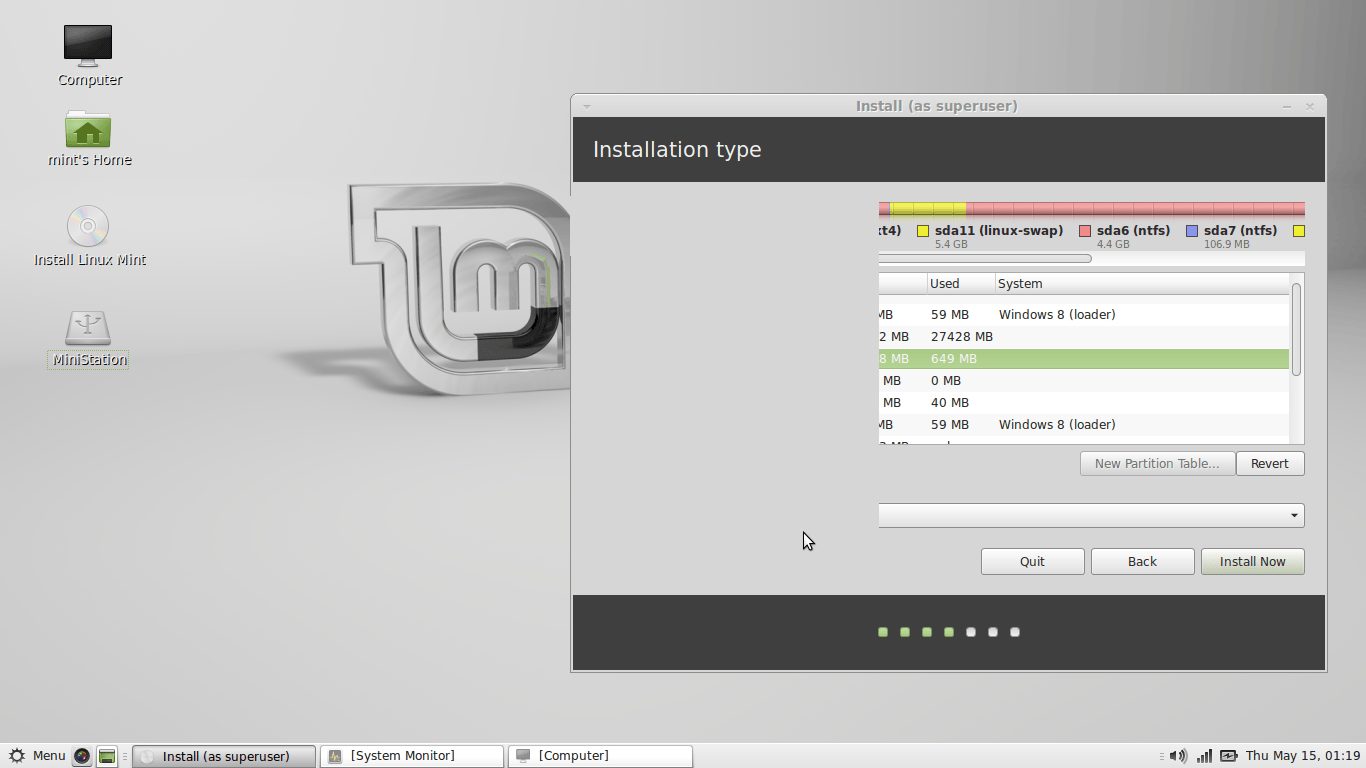
- Select ext4 partition in which linux has to be installed.
- Click “Install Now”
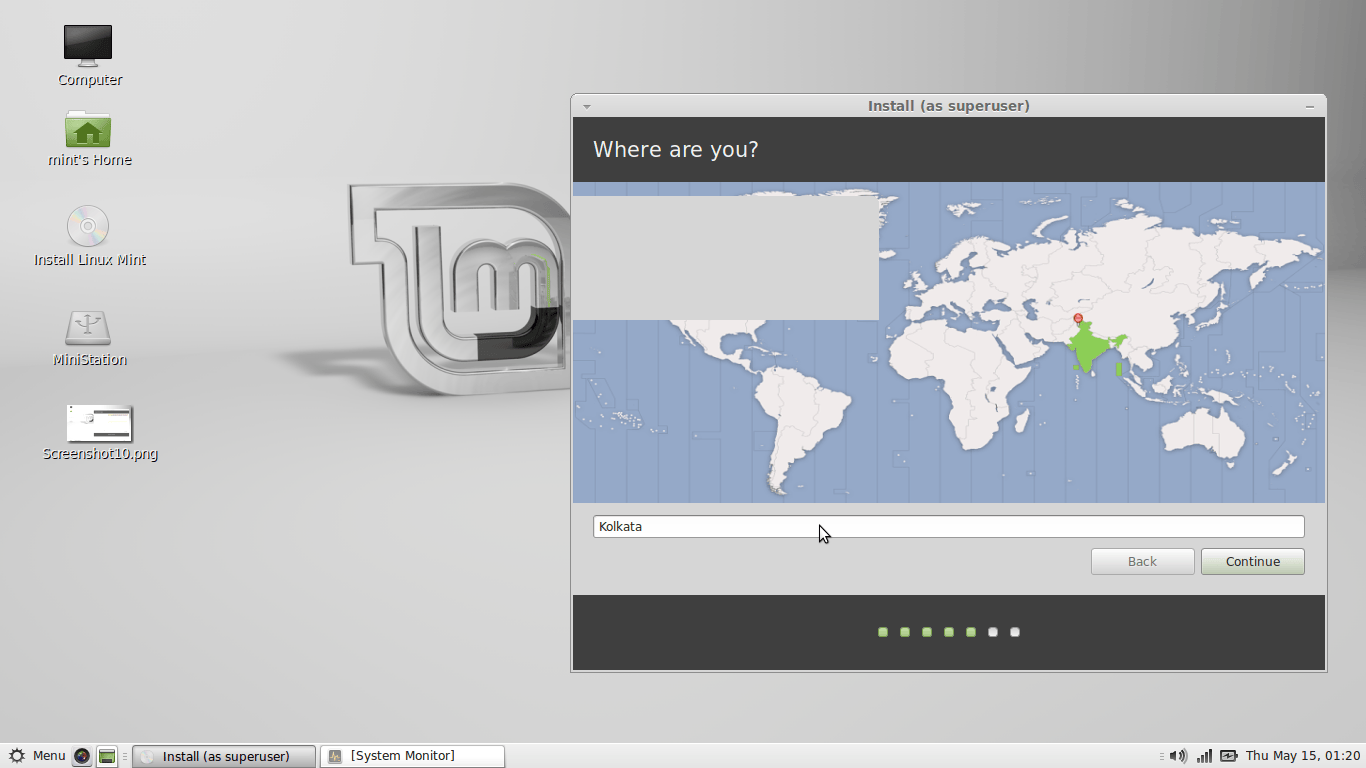
- Select your location.
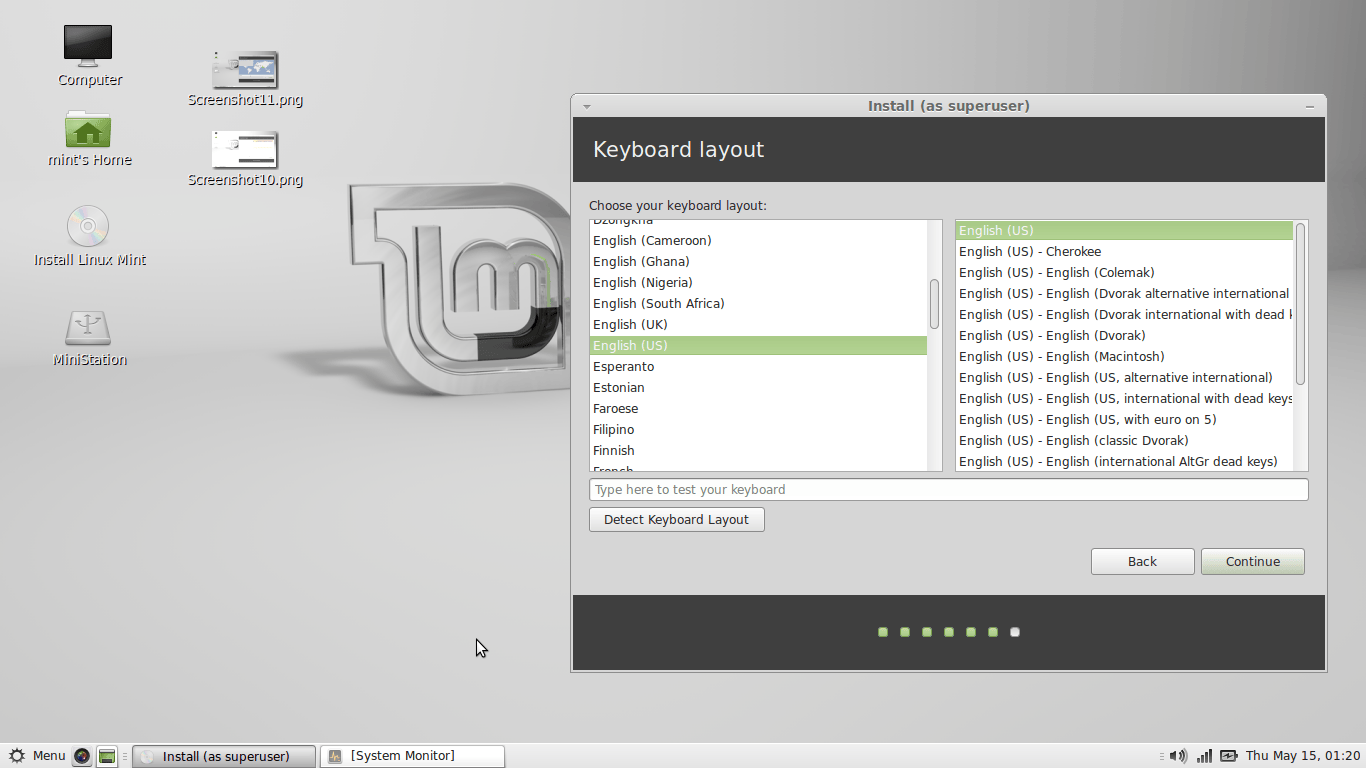
- Select your keyboard layout.
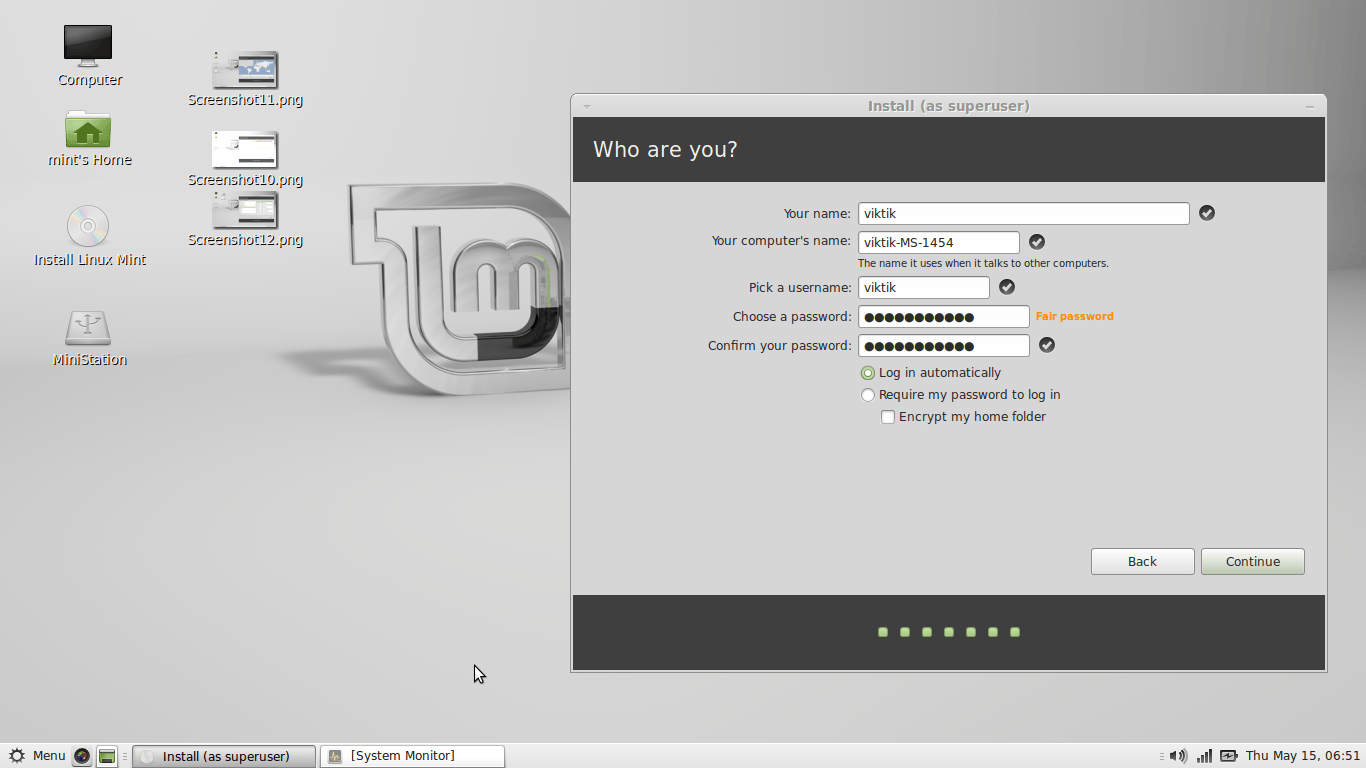
- Input your user name and password.
- Click “Continue”
- Wait for installation to complete.
- Reboot
- After reboot this Linux Mint MATE desktop is presented
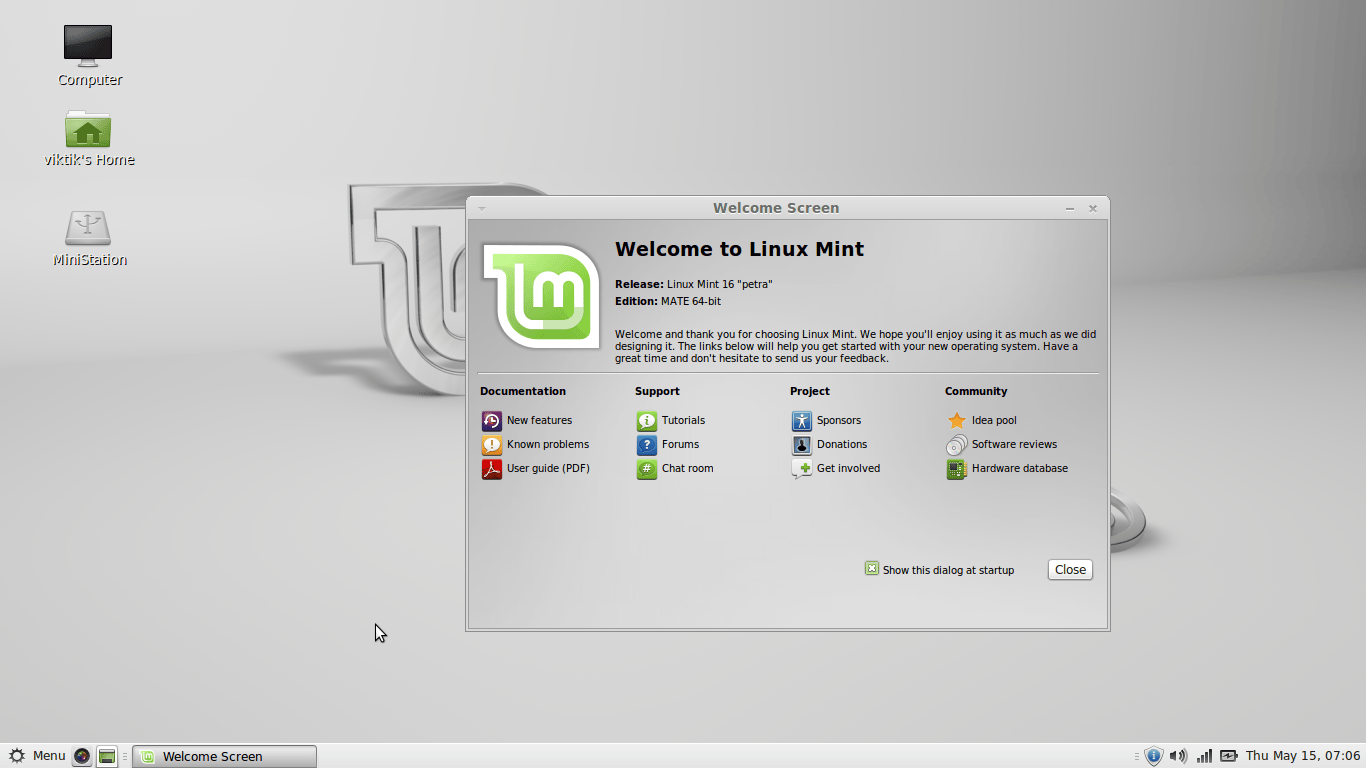
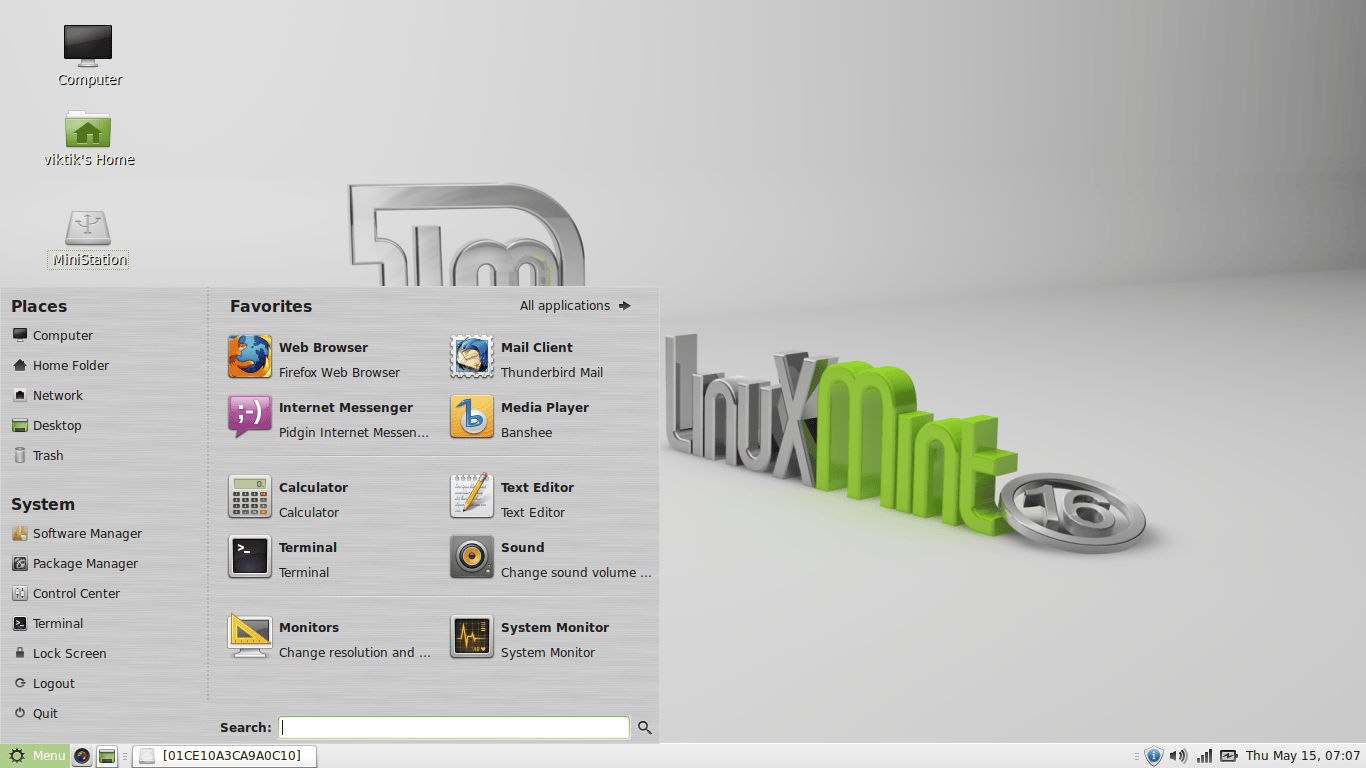
- Click on shield icon as shown below.
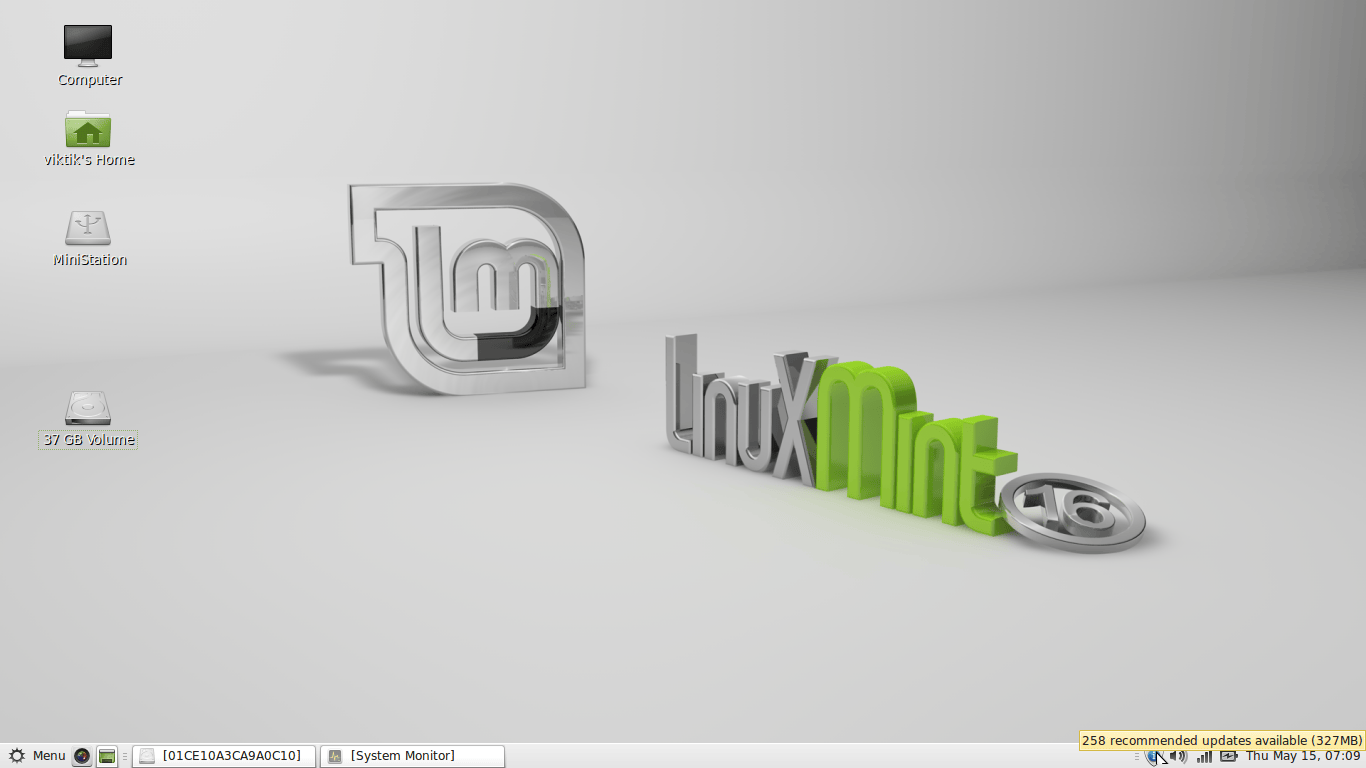
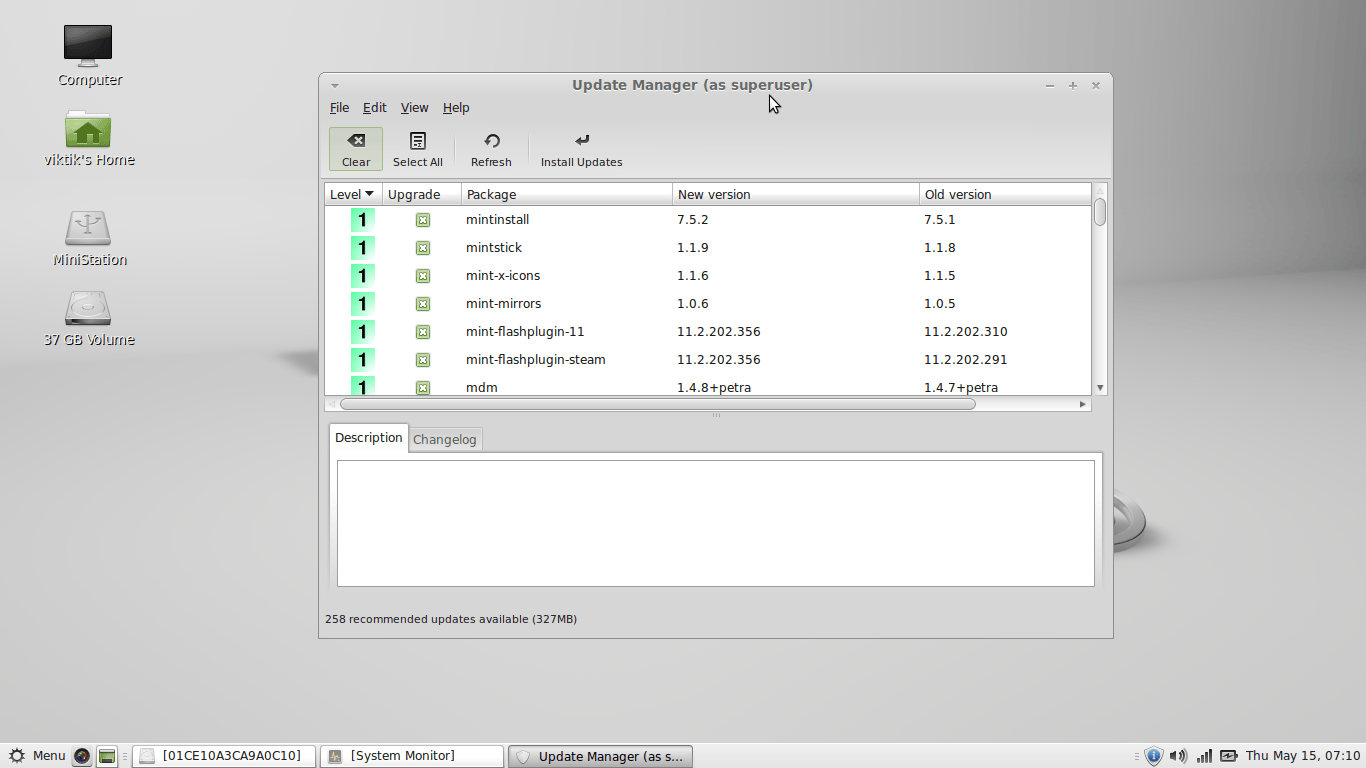
- Update manager will popup.
- If you are connected to internet then click Install update.
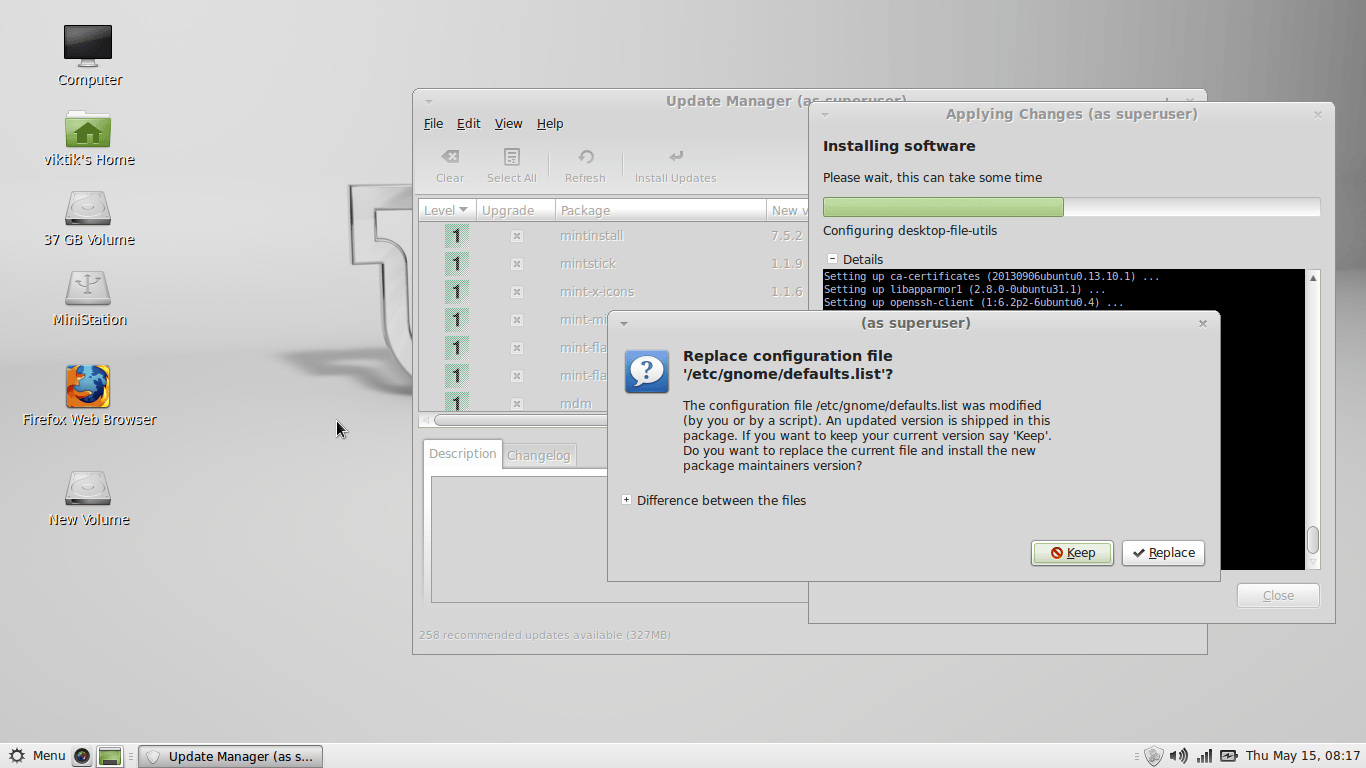
- during installing updates it will ask this.
- Select “replace”
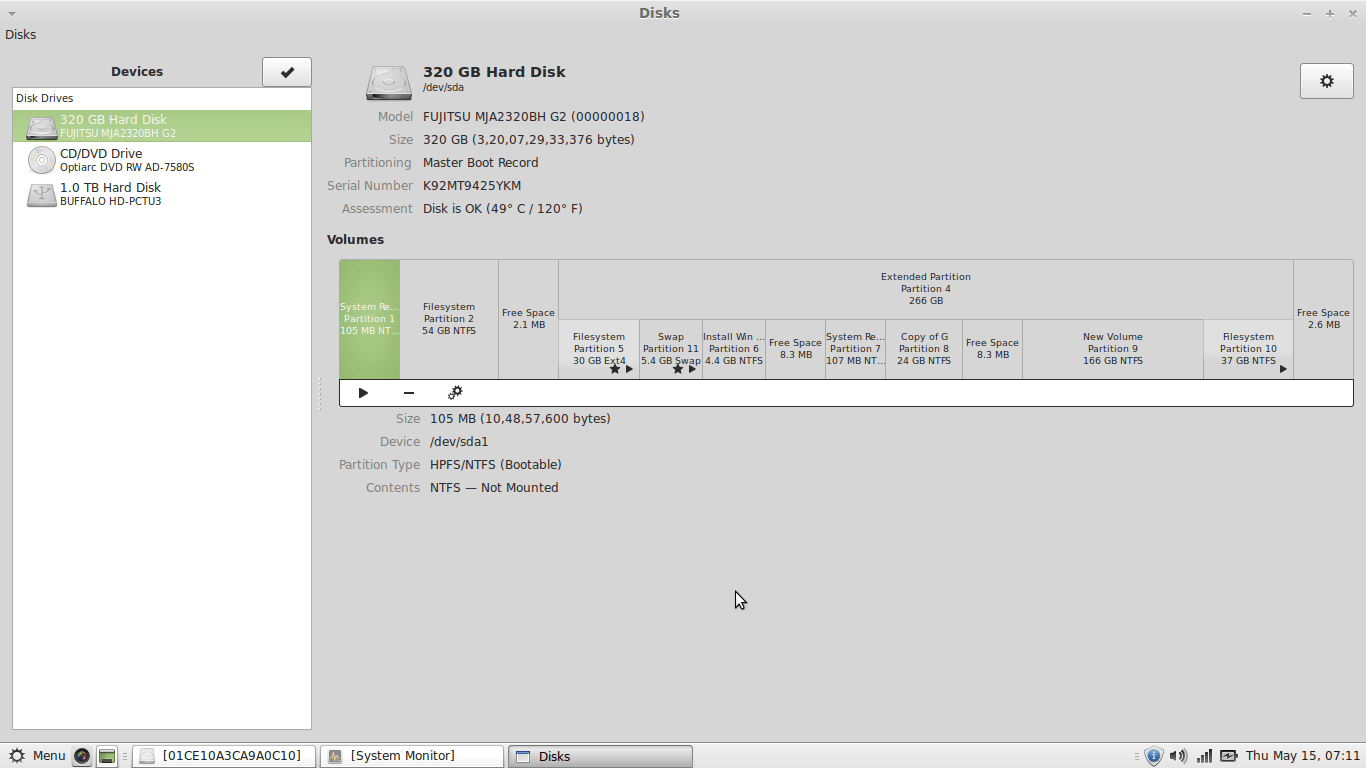
- Here the my hard disk partition layout clearly shown.
- First 100 MB is windows 8 bootloader.
- Next is Partition 2 in which windows 8 is installed.
- Then there is partition 5 where Linux Mint is installed.
- Then there is swap partition 11.
- Then there are five more partition which are ntfs partitions which is irrelevant to this tutorial.
- So Both Windows 8 and Linux is installed in my hard disk.
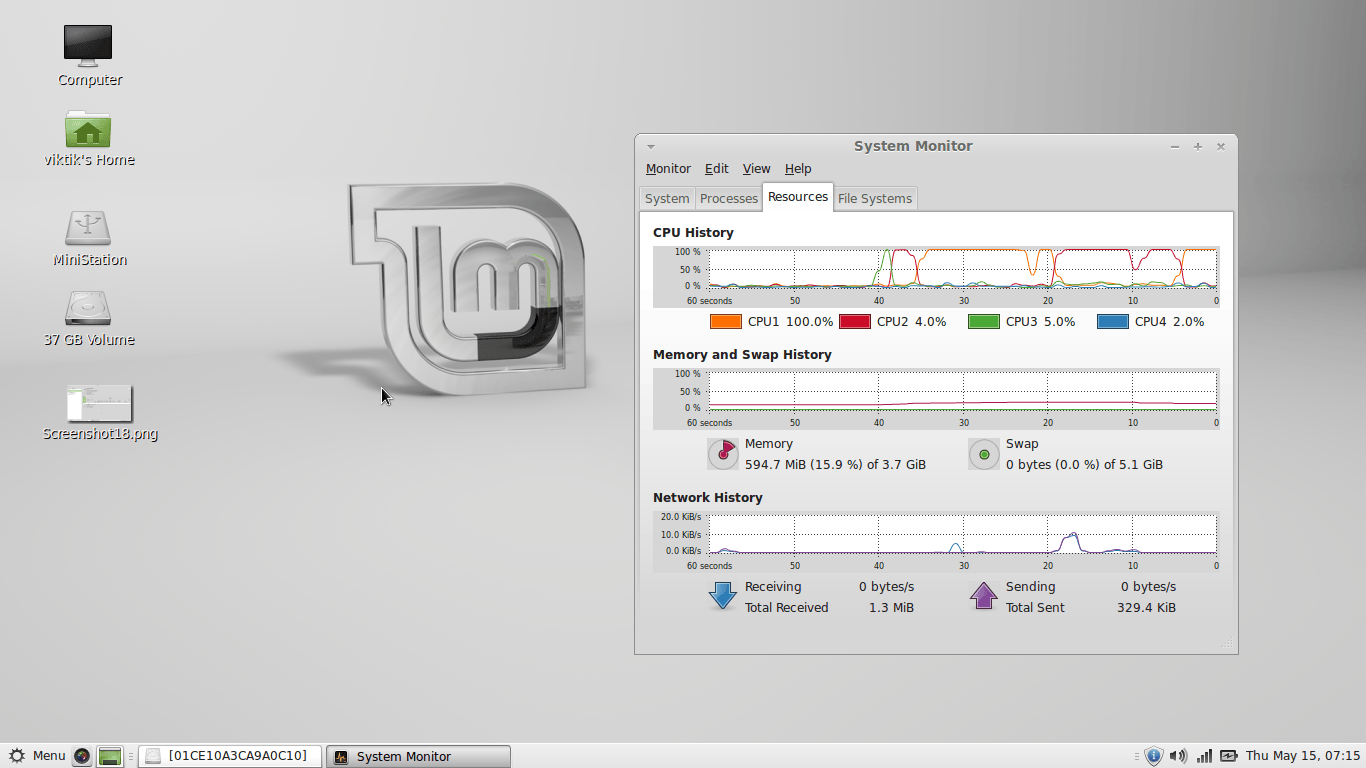
- System monitor showing cpu usage, RAM usage and network usage
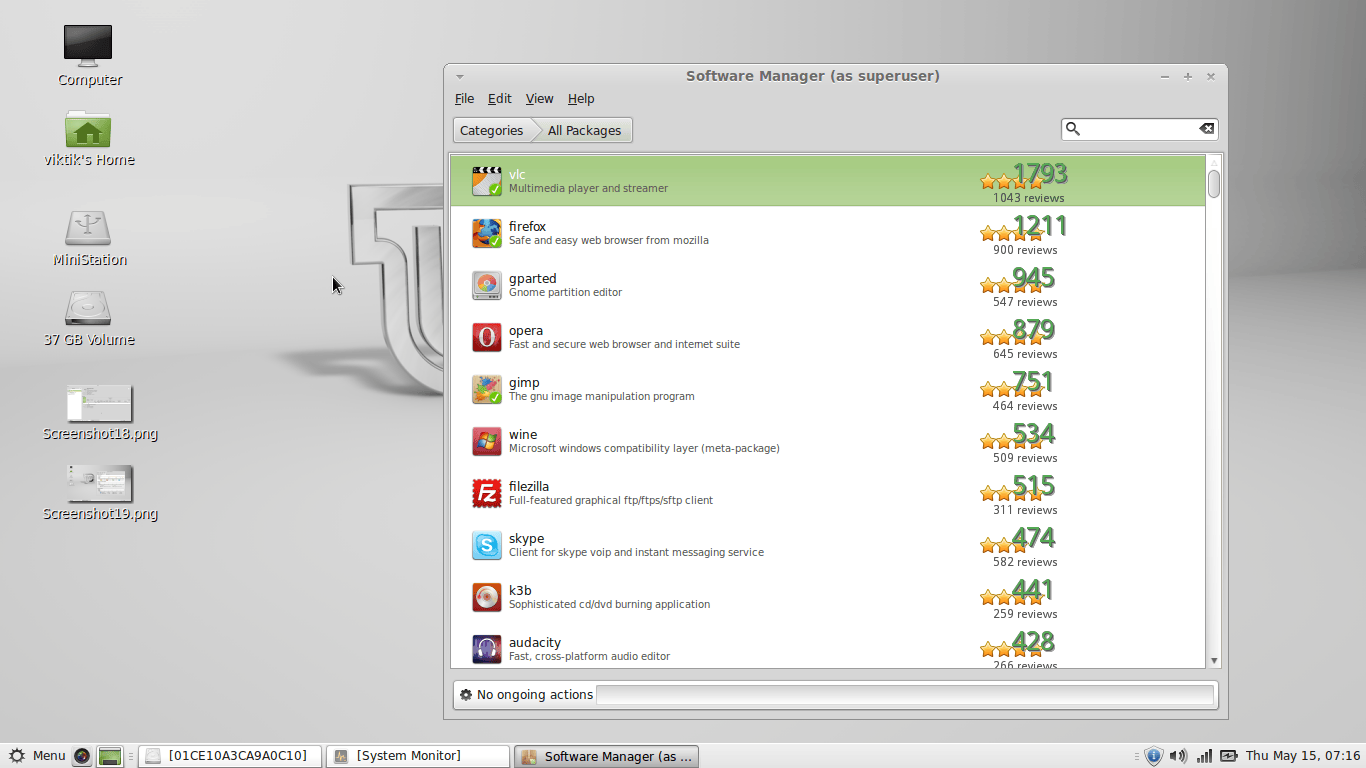
- Software manager can be used to install/uninstall software’s
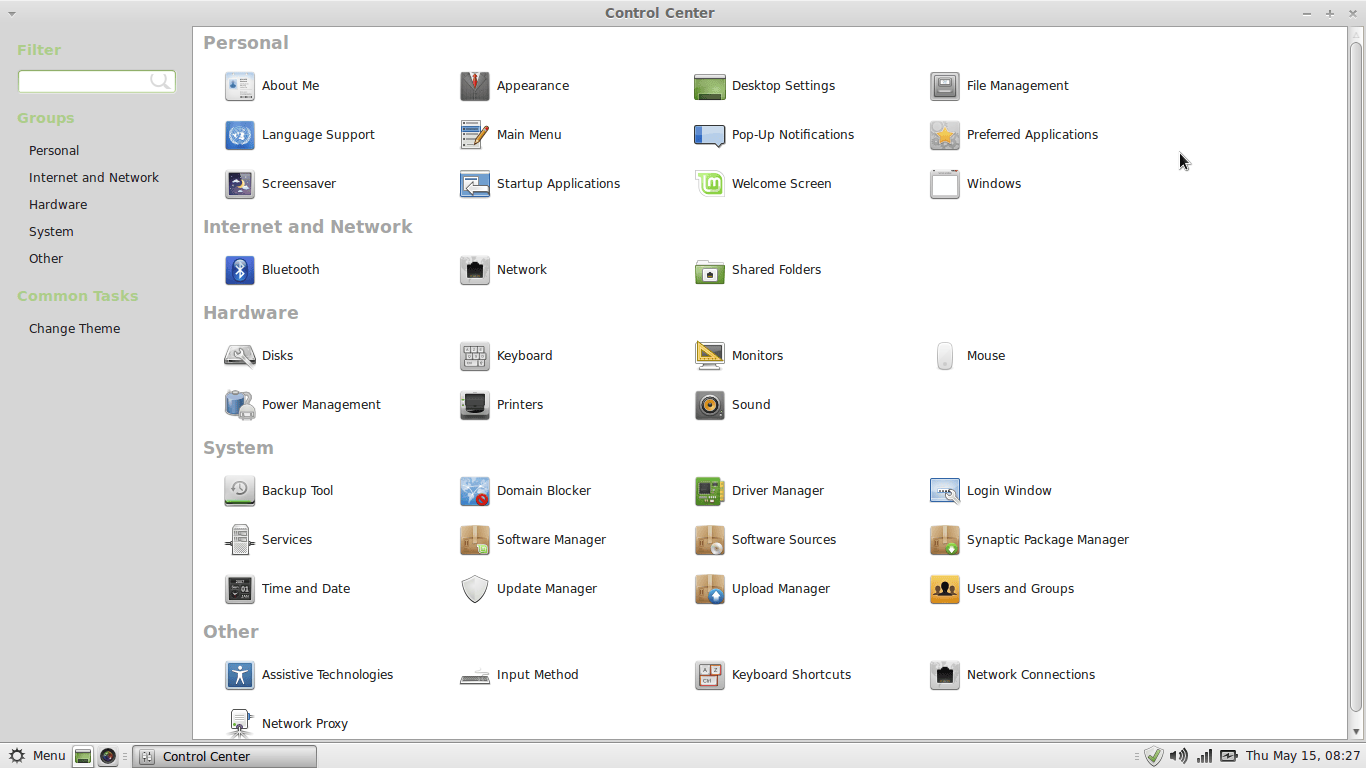
- Control center shows whats settings can be done
I hope this short tutorial will help.